Best AI Note Taker in 2026: 6 Tools Compared for Ops
Summary
The best AI note taker in 2026 depends on how your meetings run. Fathom wins for most ops teams because its free plan is unlimited and it has the top G2 rating. Fireflies fits CRM-heavy teams, Granola suits bot-free Mac users, and TicNote suits in-person meetings. Every price, limit and rating below was checked against vendor pages and G2 on 9 October 2026, so you can shortlist two tools in minutes.
Six AI note takers compared on free-plan limits, capture method, CRM sync, public ratings and price, so you can pick the one your ops team will actually keep using.
At-a-glance
| Fathom | Fireflies.ai | Granola | tl;dv | TicNote | Otter.ai | |
|---|---|---|---|---|---|---|
| Paid plans from (per user, billed annually) | $16 Premium, $15 Team | $10 Pro, $19 Business | $14 Business | About $18 Pro (third-party listings) | Paid tiers sold per plan, about $15 a month at last check | $8.33 Pro, $19.99 Business |
| Free plan limits | Unlimited recordings and transcripts, instant summaries | Unlimited transcription, limited AI summaries, 20 AI credits | 30 days of meeting history, AI chat in auto mode | Free forever, with capped AI summaries | 300 transcription minutes a month, 30 minutes per web recording | 300 minutes a month, 30 minutes per conversation, 3 lifetime imports |
| How it captures the meeting | Bot or bot-free capture (bot-free is a Mac beta) | Meeting bot, or Chrome extension without the bot | Bot-free, records device audio on your Mac | Bot or no-bot recording, per its homepage | Chrome extension, uploads, or a TicNote recorder device | Meeting bot joins Zoom, Teams and Google Meet |
| CRM and integrations | CRM field sync on Business, Slack, Zapier, Claude and ChatGPT | All integrations on every plan, API access, CRM push | Notion, Zapier, HubSpot and API on Business | Slack, CRM and automation apps | Export to Notion and Obsidian, API skill on Professional | Salesforce, HubSpot and Zapier on paid plans |
| Public customer rating | 5.0 on G2 (about 6,900 reviews) | 4.8 on G2 | 4.7 on G2 (34 reviews) | 4.7 on G2 (546 reviews) | No meaningful aggregate score found | 4.4 on G2 (about 500 reviews) |
| Best fit | Free, reliable notes for individuals and small teams | Teams that want deep integrations and analytics | Mac users who refuse a bot in the meeting | Teams that share clips and a searchable library | In-person meetings and finished documents | Live transcription and quick team sharing |
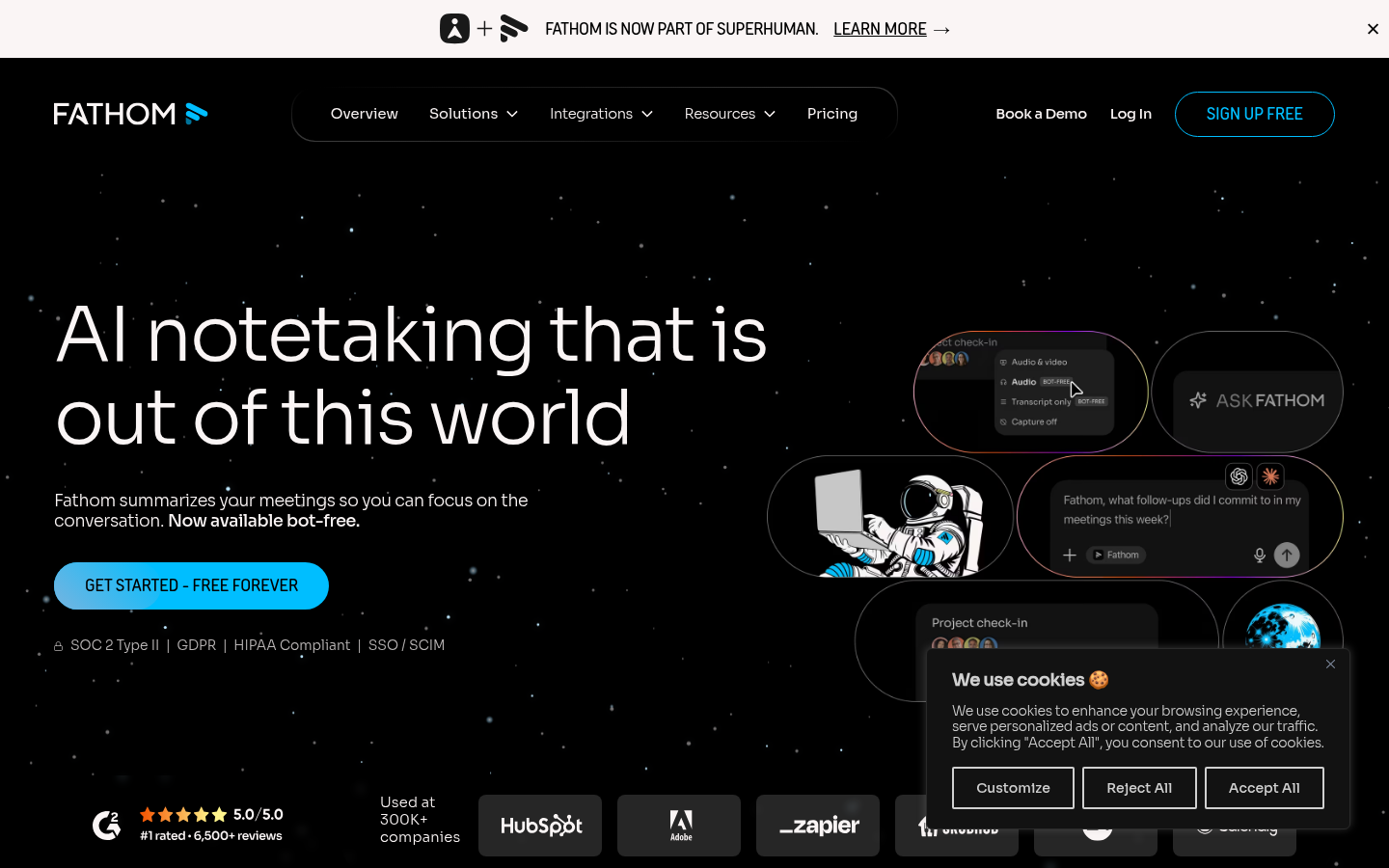
Fathom
- Free plan has unlimited recordings, transcripts and instant AI summaries
- Highest public rating in the category: 5.0 on G2 across about 6,900 reviews
- Team plan at $15 per user per month annually includes folders, comments and playlists
- Business adds CRM field sync and coaching metrics for sales and CS teams
- Bot-free capture is still a Mac beta, so most users get a visible meeting bot
- Custom summaries and CRM field sync sit behind the $25 per user Business tier
The safest default: generous free tier, strong reviews, and a clean upgrade path.
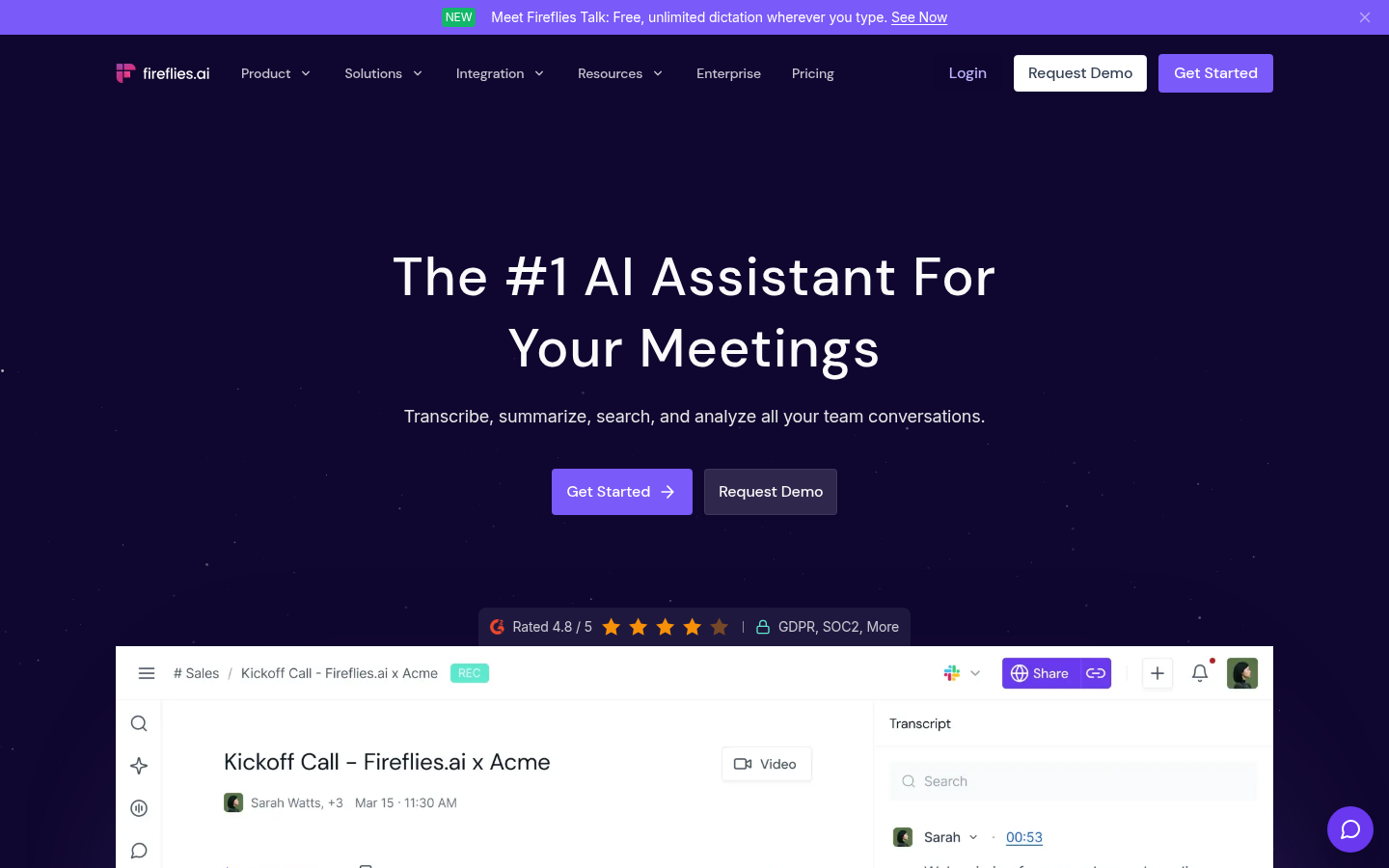
Fireflies.ai
- Unlimited transcription on the free plan, in more than 100 languages
- Pro costs $10 per seat per month billed annually, the cheapest paid tier here
- Business adds conversation intelligence, team analytics and unlimited storage
- API access on every plan, including free, for custom workflows
- Free plan limits AI summaries and gives only 400 minutes of storage per team
- AI credits add a second usage meter you have to watch on heavy accounts
Pick it when the notes need to flow into a CRM or an analytics layer.
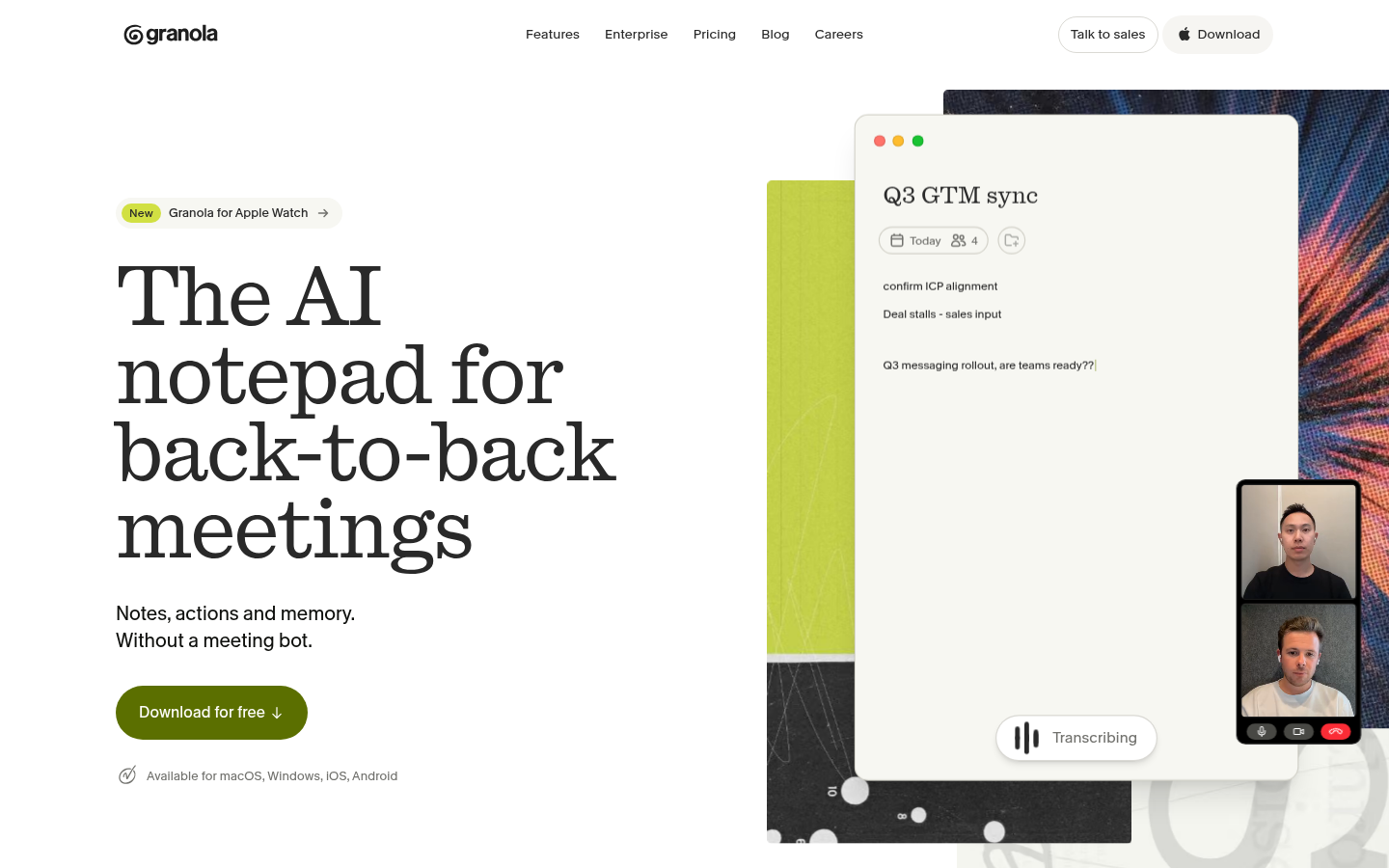
Granola
- Captures device audio, so no bot appears in the participant list
- Notes combine your own typed jottings with the transcript, which keeps context
- Business at $14 per user per month unlocks unlimited history, Notion, HubSpot and API
- MCP integration lets Claude and ChatGPT read your meeting notes
- Free plan keeps only 30 days of meeting history
- Integrations and follow-up emails are locked to the paid Business plan
The quiet choice for people who join many calls where a bot would be awkward.
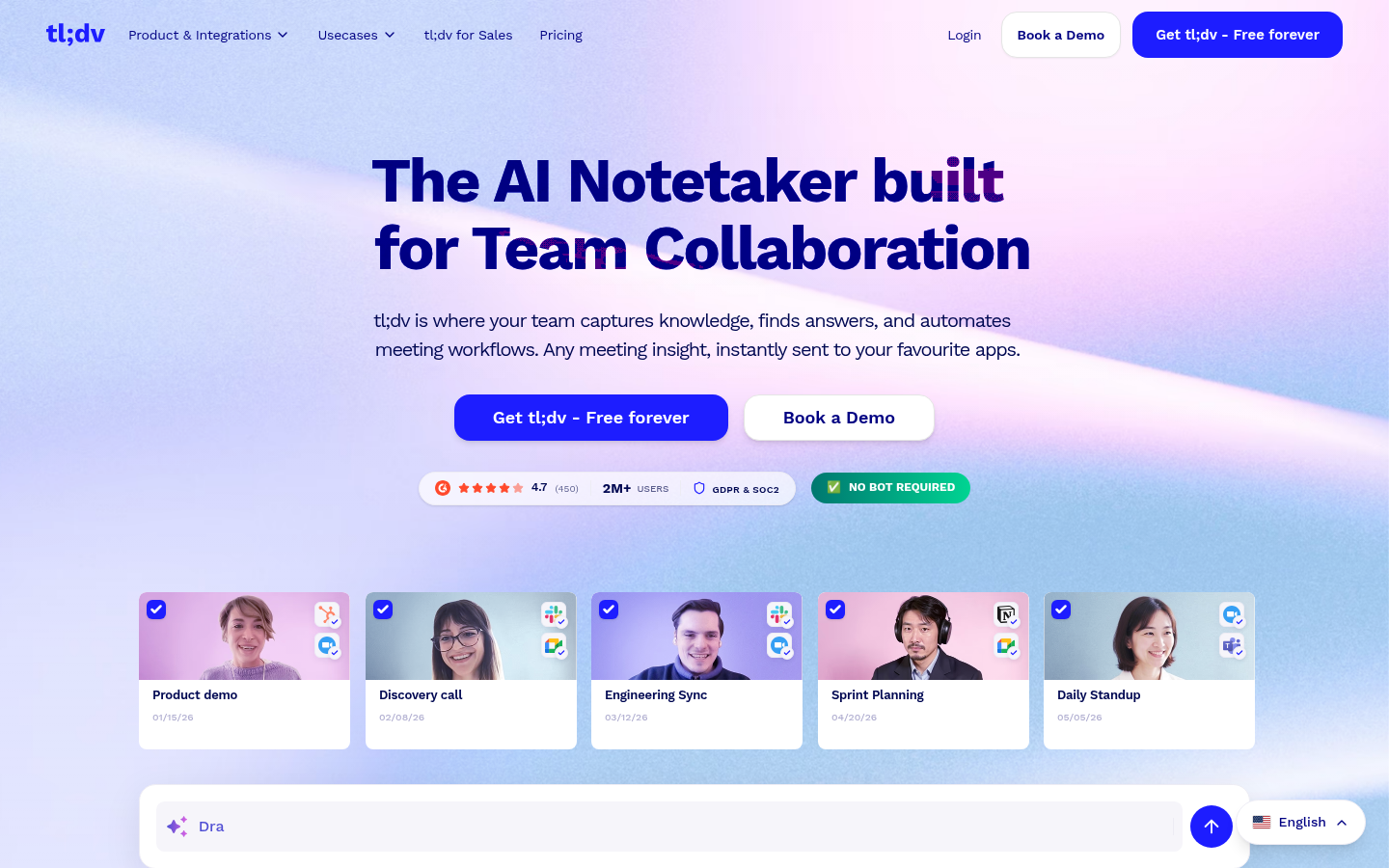
tl;dv
- Free-forever plan with recordings and transcripts, per the vendor homepage
- Rated 4.7 on G2 across 546 reviews
- Homepage advertises recording without a bot for Zoom, Meet and Teams
- Clips and shared libraries suit product, support and sales handoffs
- Official pricing page loads dynamically, and third-party sources show Business near $59 per user
- Free plan caps AI summaries, according to third-party pricing breakdowns
A strong pick for teams that reuse meeting moments, as long as you verify the current plan limits.
TicNote
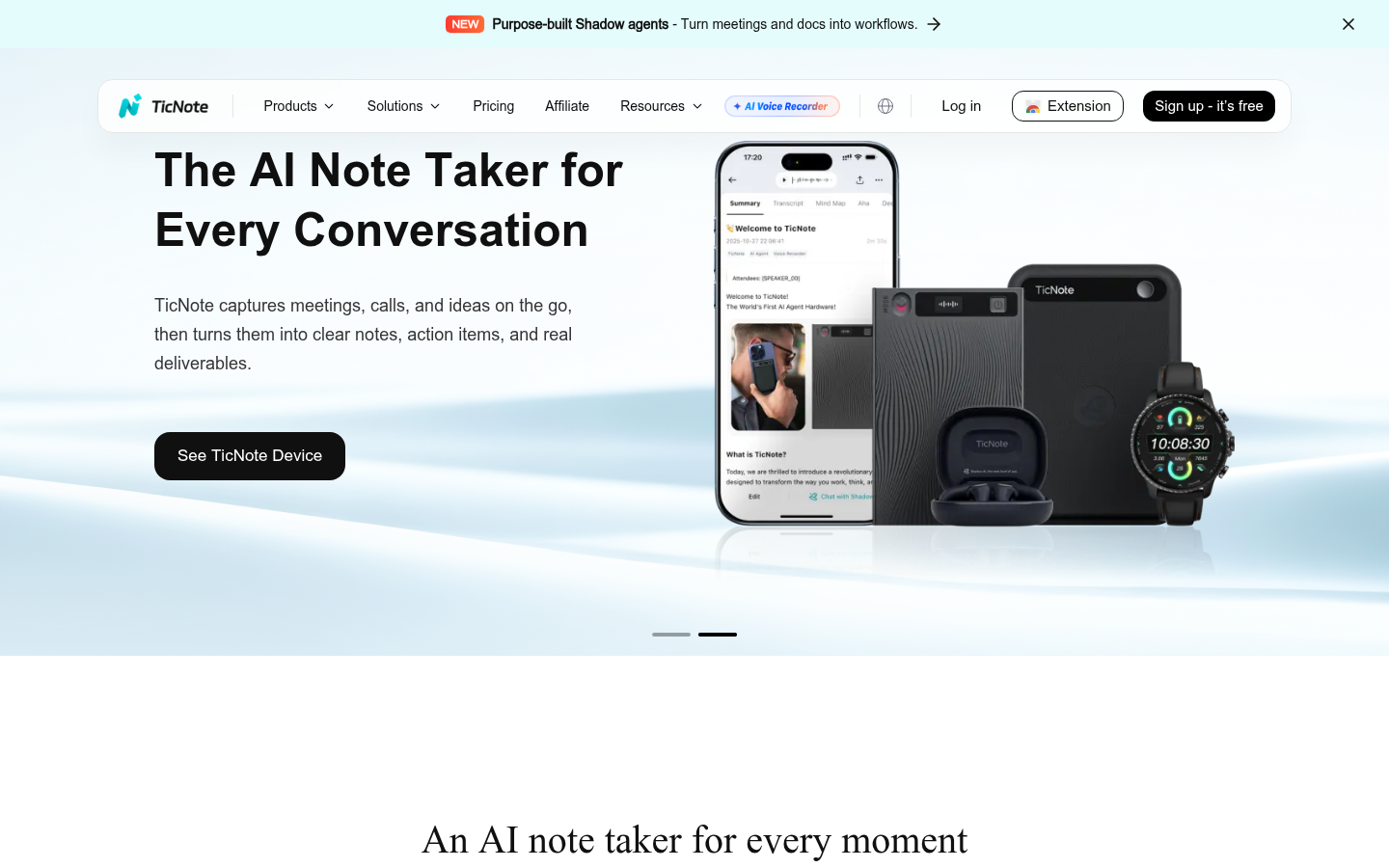
- Free Cloud plan includes 300 transcription minutes a month and unlimited recording summaries
- Every TicNote device ships with 600 free monthly transcription minutes
- Generates mind maps, translations, reports and exports to Notion and Obsidian
- Hardware recorders cover rooms where nobody can run a meeting bot
- Free web recordings are capped at 30 minutes each
- No meaningful aggregate review score was available, so independent validation is thin
- The AI meeting agent appears only on the Enterprise tier
Worth a free trial if your meetings happen in a room, not on a video call.
Otter.ai
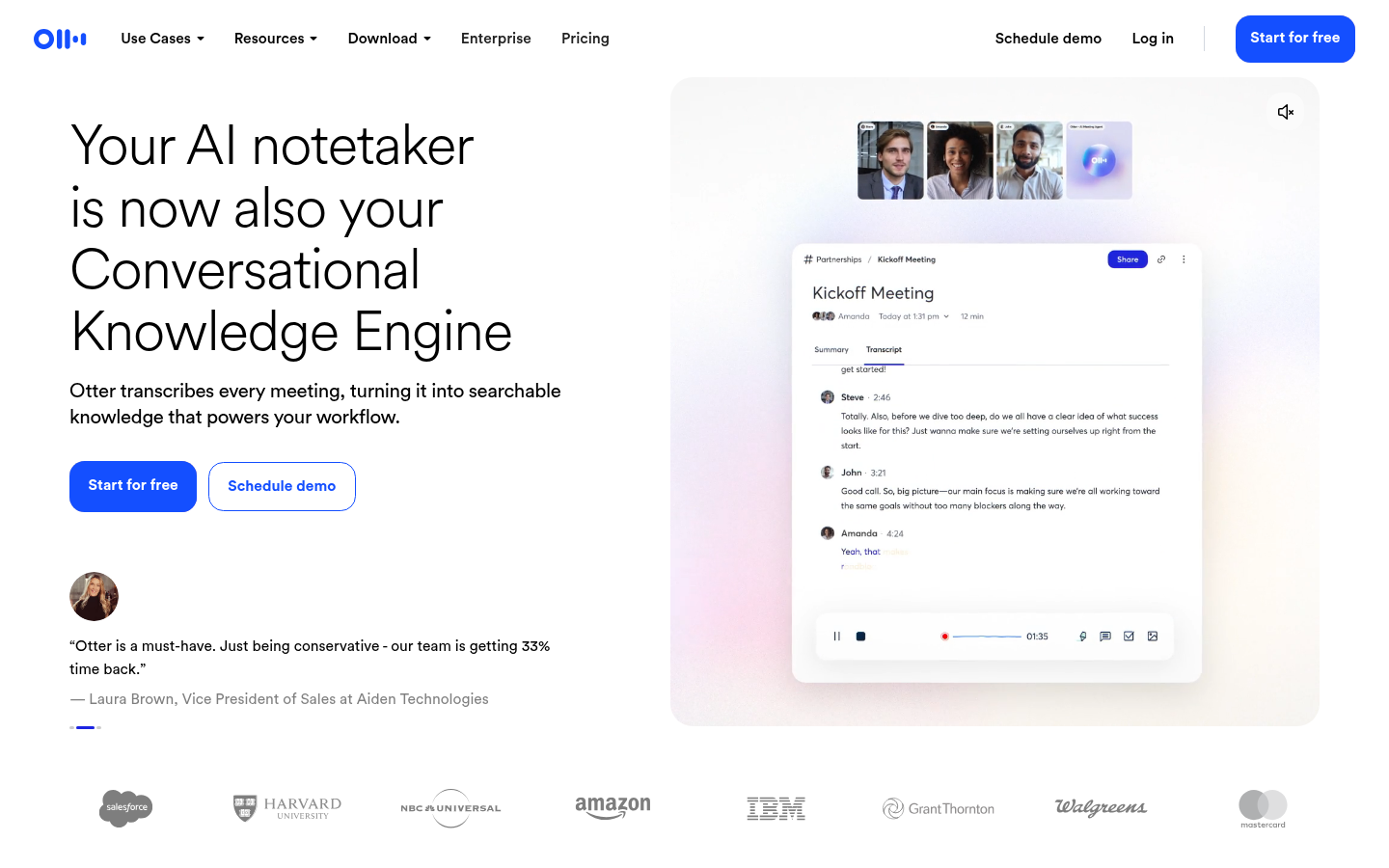
- Live transcription and speaker identification are mature and fast
- Pro costs $8.33 per user per month billed annually
- Business offers unlimited meetings and up to four hours per meeting
- Salesforce, HubSpot and Zapier integrations on paid plans
- Free plan allows only 30 minutes per conversation and 3 lifetime file imports
- G2 rating of 4.4 trails Fathom, Fireflies and tl;dv
Reliable for live captions and shared notes, but the free tier is the tightest here.
Verdict
Fathom is the best AI note taker for most ops teams in 2026: free, unlimited, and the best-reviewed. Choose Fireflies for CRM and analytics depth, Granola for bot-free Mac capture, and TicNote when the meeting happens in a room.
How we tested
This ranking is desk research, not a lab test. On 9 October 2026 we read each vendor's pricing and feature pages, captured a live screenshot of each homepage, and cross-checked public ratings on G2. Where a vendor page did not load or show a price, we say so and cite third-party listings. Scores run from 0 to 5 and weigh free-plan limits, capture method, integration depth, price per seat and public ratings. They are editorial judgments, not benchmark results. TicNote is an affiliate partner of this site. It ranks fifth because its public review base is thin, and its strengths are described as specific to in-person capture.
30-second briefing. The best AI note taker for most ops teams in 2026 is Fathom. Its free plan has unlimited recordings and instant summaries, and it holds a 5.0 rating on G2. Fireflies beats it on integrations, Granola on bot-free capture, and TicNote on in-person meetings.
What an AI note taker actually does
An AI note taker records a meeting, transcribes it, and returns a summary with action items. That is the baseline in 2026. Every tool here does it.
The real differences sit in three places. How the tool joins the call. What it does with the notes afterward. And what you pay once the free plan runs out.
If you run ops, the second point matters most. A summary nobody reads is a wasted recording. A summary that lands in your CRM (customer relationship management system) as a task is a saved fifteen minutes per call.
How we compared them
We kept the matrix short on purpose. Six criteria, six tools, one table at the top of this page.
The criteria are price per seat, free-plan limits, capture method, CRM and integrations, public rating, and best fit. Each value comes from the vendor's own pricing or feature page, read on 9 October 2026. Ratings come from G2.
We did not run a benchmark of transcription accuracy. Accuracy depends on audio quality, accents and meeting size, and a single test would mislead you. Run your own test on two real calls before you pay.
Capture method decides more than features
Most buyers compare summaries. Compare capture first.
A meeting bot is a participant named after the tool. It joins Zoom, Google Meet or Microsoft Teams, records, and leaves. It works everywhere and records even when you are absent. It also shows up in the participant list, and some clients dislike that.
Bot-free capture records audio from your device. Granola does this on your Mac. Fathom offers a bot-free mode in beta for Mac. tl;dv advertises recording without a bot on its homepage. The trade-off is that the tool only works while your own device is on the call.
TicNote adds a third route. It pairs a web and Chrome extension workflow with small hardware recorders, so you can capture a conference room or a site visit with no video call at all.
Pick the method that matches where your meetings happen. A field team and a remote sales team do not need the same tool.
Free plans: where the real limits hide
Free plans look similar and behave differently.
Fathom gives unlimited recordings, transcripts and instant summaries. That is the most generous free tier in this comparison. Fireflies also gives unlimited transcription but limits AI summaries and storage. Otter caps each conversation at 30 minutes and allows 3 lifetime file imports. Granola keeps 30 days of history on the free plan.
TicNote's Free Cloud plan gives 300 transcription minutes a month, with each web recording capped at 30 minutes. If you buy a TicNote device, you get 600 free monthly minutes on top of that plan.
For a solo operator who takes ten calls a week, Fathom's free tier is enough for months. For a team of fifteen that needs shared folders and CRM sync, you will pay in every case.
What a team of ten pays
Take annual billing and ten seats. Fireflies Pro is $10 per seat, so $100 a month. Fathom Team is $15 per seat, so $150. Granola Business is $14 per seat, so $140. Otter Pro is $8.33 per seat, so about $83.
Those numbers buy different things. Otter Pro caps you at 1,200 minutes per seat and 90 minutes per meeting. Fireflies Pro gives unlimited transcription but holds back conversation analytics for the $19 Business tier. Granola's price includes integrations, but only on Business.
Price per seat is a weak signal on its own. Count what you need: CRM sync, analytics, history length. Then price the plan that includes it.
Integrations and CRM sync
If notes never reach your CRM, adoption stalls within a month. Check this before anything else.
Fathom pushes field updates to your CRM on the Business tier, at $25 per seat annually. Fireflies offers all integrations on every plan and exposes an API on free accounts. Granola connects to Notion, Zapier and HubSpot on Business. Otter syncs to Salesforce and HubSpot on paid plans, with user limits on the lower tiers.
TicNote takes a different route: it exports to Notion and Obsidian and offers API skill access on its Professional tier. That suits knowledge workflows better than deal pipelines.
Which one should you pick
Match the tool to the job. Do not buy the highest score.
Solo operator or small team on video calls: Fathom. Free, unlimited, and the best-reviewed.
RevOps team with a CRM and a dashboard habit: Fireflies. Business adds conversation intelligence and team analytics.
Anyone who dislikes bots in meetings: Granola on a Mac.
Teams that clip and reuse meeting moments: tl;dv.
In-person meetings, interviews, site visits: TicNote, with a recorder device or the Chrome extension.
Fast live transcripts and simple sharing: Otter.
Privacy and consent
Recording a call is a legal matter before it is a product matter. Rules on consent differ by country and, in the United States, by state.
Tell participants you are recording. Bots make that easy because they announce themselves. Bot-free tools put the duty on you. Granola's Enterprise plan lets an admin enforce a notice, and Fathom and Fireflies both publish SOC 2 and GDPR details on their sites.
Check the vendor's training policy too. Granola lets you opt out of model training, and Fireflies states that customer data is not used to train models. Read the current policy before you roll out to a team.
Our ranking in one line each
Fathom: best free plan and best reviews. Pick it first.
Fireflies: deepest integrations and cheapest paid seat.
Granola: cleanest bot-free capture, Mac first.
tl;dv: best for shared clips, with plan limits worth verifying.
TicNote: best for rooms and hardware, with thin independent reviews.
Otter.ai: solid live transcripts, tightest free plan.
Test your top two on real calls for a week. Keep the one your team actually opens.
FAQ
What is the best AI note taker in 2026?
Is there a free AI note taker with no time limit?
Which AI note taker works without a meeting bot?
Can an AI note taker update my CRM automatically?
What is TicNote and who is it for?
Do I need permission to record a meeting with an AI note taker?
Changelog · 1
- body_edited Body content edited