Best AI Note Taking App in 2026: 6 Tools Ranked and Tested
Summary
The best AI note-taking app in 2026 depends on what happens after the meeting ends. Fathom wins on free-tier generosity and CRM field sync, Fireflies wins on integration depth, and TicNote stands out for turning meetings into finished reports and decks instead of just a transcript. We compared six tools on price, bot-free capture, CRM sync and what each one is actually built for.
Six AI note taking apps compared on real pricing, free-tier limits, CRM sync and meeting-capture method, so you can pick the one that fits how your team actually meets.
At-a-glance
| Fathom | Fireflies.ai | TicNote | Granola | Otter.ai | Notion AI | |
|---|---|---|---|---|---|---|
| Starting paid price | Free forever; Business $34/mo ($25/mo billed annually) per seat | Free forever; Business $19/seat/mo billed annually | Free (300 min/mo); Professional $16.58/mo billed annually | Free; Business $14/user/mo | Free (300 min/mo); Business $19.99/user/mo billed annually | No standalone plan, bundled in Notion Business at $20/seat/mo |
| Free plan limits | Unlimited recordings, transcription and storage; summaries capped | Unlimited transcription and AI summaries; 400 min storage per team | 300 transcription minutes per month, 30-min cap per web recording | AI meeting notes with limited meeting history | 300 transcription minutes per month, 3 lifetime file imports | None, AI Meeting Notes requires the paid Business plan |
| How it captures the meeting | Bot-free capture in beta (Mac) or a classic meeting bot | Meeting bot by default; bot-free Chrome extension on paid plans | No bot, Chrome extension captures audio directly or in person | No bot, records system audio locally on Mac after the call | Joins as a visible bot on Zoom, Teams and Google Meet | No bot, captures system audio directly from Zoom or Google Meet |
| CRM integration depth | Native CRM field sync plus Deal View on the Business tier | 50+ native integrations including Salesforce, HubSpot, Slack | None native, exports PDF, Word or MP3 for manual CRM logging | HubSpot, Attio and Affinity native; Salesforce via Zapier only | Salesforce and HubSpot sync, capped by user count on paid tiers | None, meeting notes stay inside Notion pages and databases |
| What it does better than the other five | Most generous free tier in the category plus sales coaching metrics | Deepest CRM and workflow integration library in the category | Turns meetings and docs into exportable reports, decks and dashboards | Notes blend your own shorthand with the transcript, not a generic summary | Real-time collaborative transcript teammates can highlight and comment on live | Meeting notes land natively on the same page as the rest of the project |
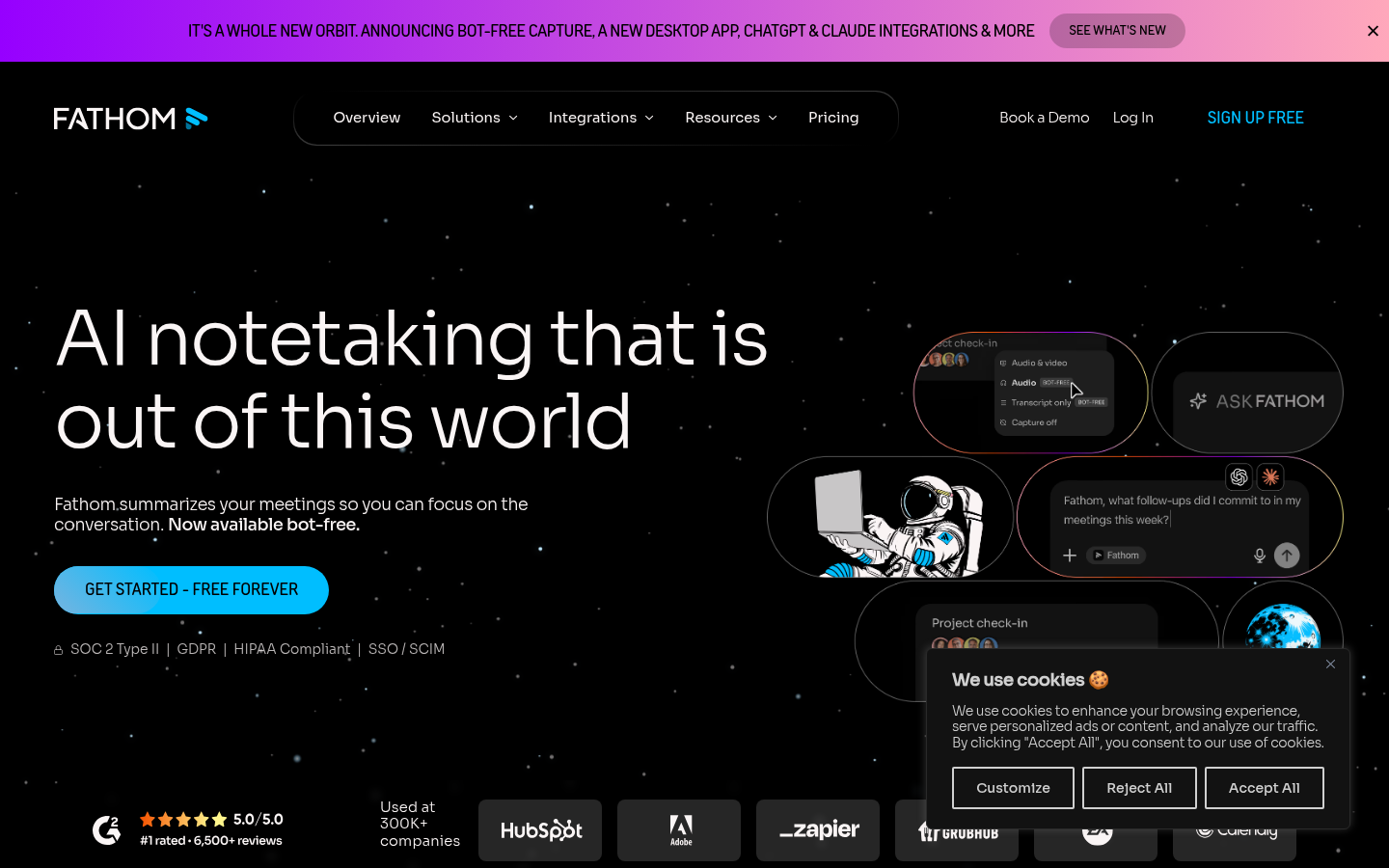
Fathom
- Free plan includes unlimited recordings, transcripts and storage, not a trial
- Deal View and CRM field sync update Salesforce or HubSpot automatically after calls
- Coaching metrics surface talk-time ratios and objection handling for reps
- Bot-free capture option removes the visible notetaker from sensitive calls
- Bot-free capture is still in beta and limited to Mac at time of writing
- Team collaboration features require the $19-per-seat plan at minimum
The default pick for GTM teams: the free tier alone beats most competitors' paid plans.
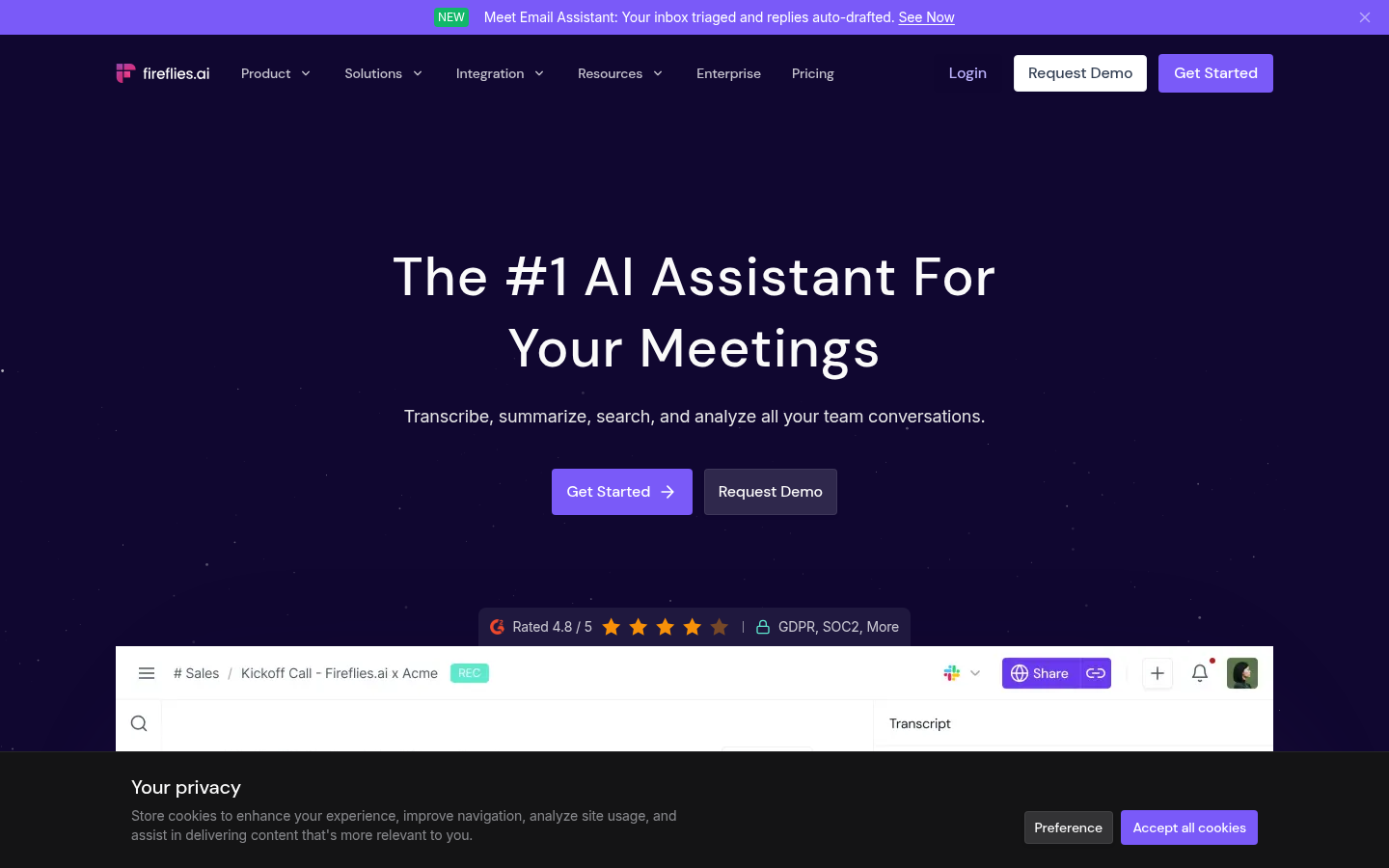
Fireflies.ai
- 50+ native integrations push notes directly into Salesforce, HubSpot and Slack
- Conversation intelligence surfaces talk-time ratios and recurring topics automatically
- Free plan already includes unlimited transcription and unlimited AI summaries
- AskFred lets you query weeks of past meetings in plain natural language
- AI credits are metered separately from minutes, which confuses new admins
- The meeting bot joins by default; the bot-free Chrome option is easy to miss
Best when your ops stack has more than three connected tools to keep in sync.
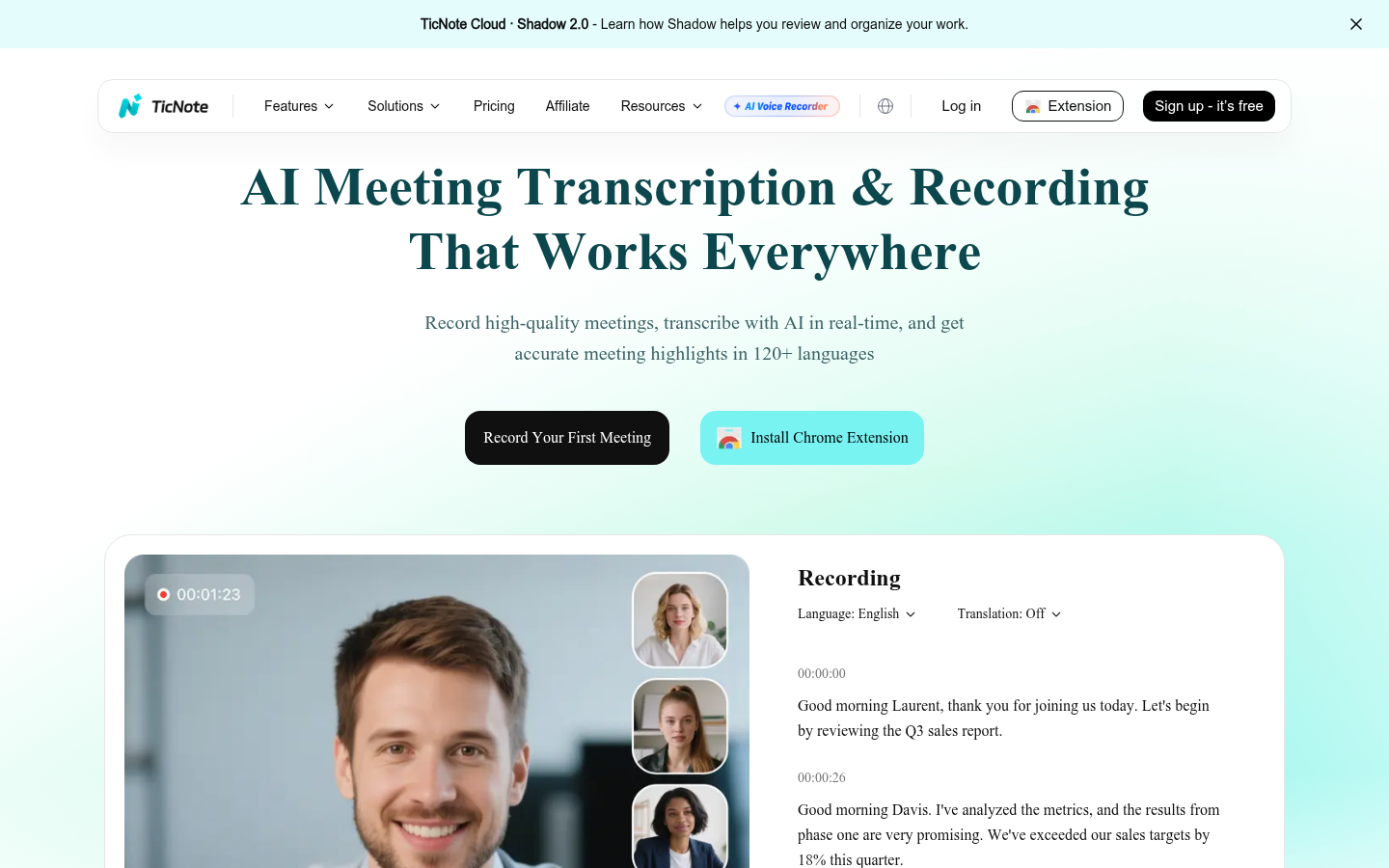
TicNote
- Shadow Agent turns raw meeting audio into exportable decks, dashboards and reports
- No bot ever joins the call, the Chrome extension captures audio directly
- Sources stay clickable, so every AI claim links back to the exact moment
- 120+ language transcription covers international and distributed teams well
- No native CRM sync, notes export as PDF, Word or MP3 for manual logging
- Best output quality depends on prompting Shadow Agent well, not a one-click default
- Public review-aggregator data such as G2 or Capterra is not yet available for it
Skip the transcript, get the deliverable: strongest when the output is a document, not a CRM field.
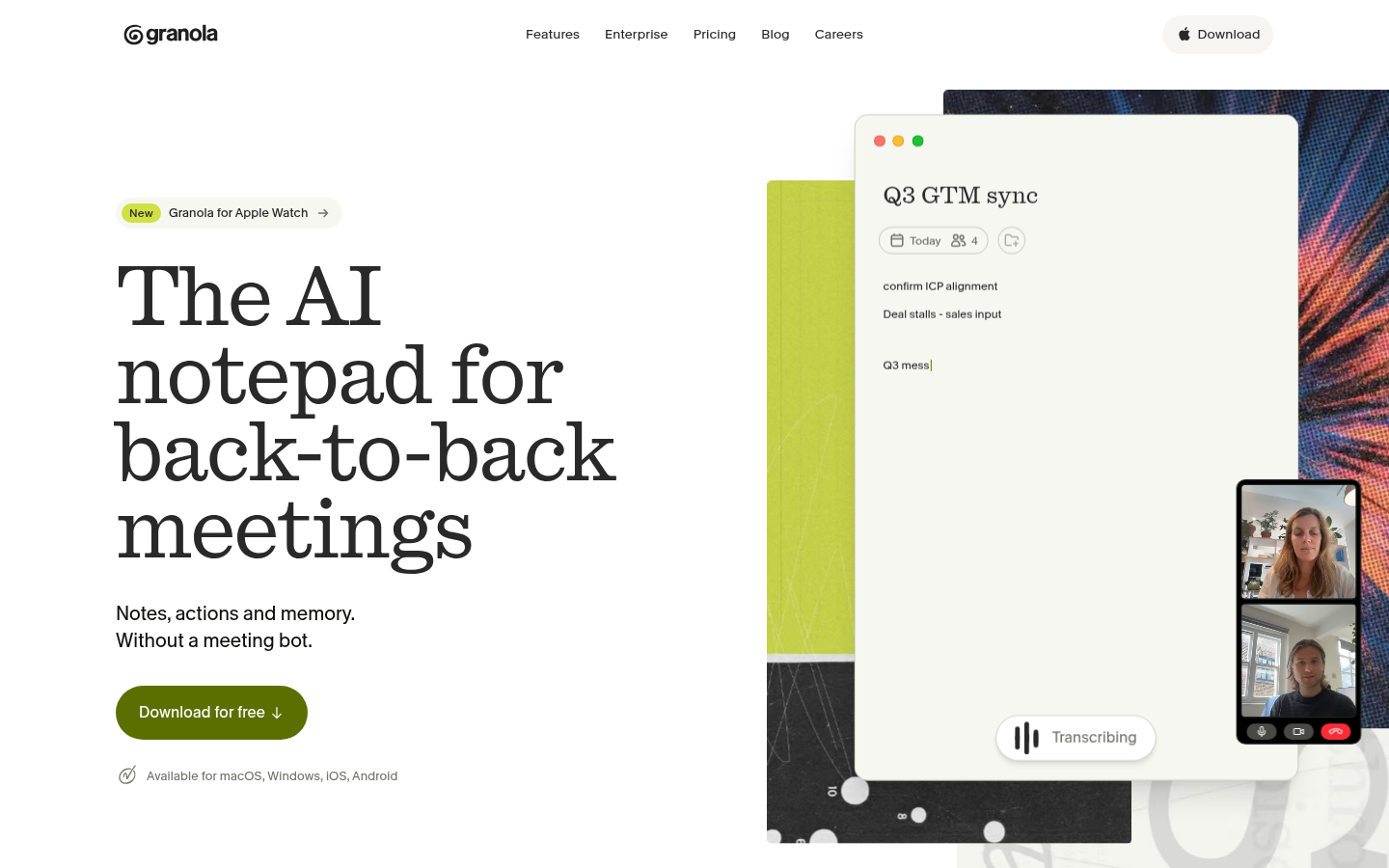
Granola
- Captures audio locally on Mac, so no bot ever appears on the call
- Notes blend your own shorthand with the transcript instead of a generic summary
- Used internally by teams at Linear, PostHog and Intercom for daily meetings
- MCP integration surfaces meeting context inside other AI tools you already use
- No native Salesforce connector, routes through Zapier instead
- Mac-first product; Windows and mobile support still trail the desktop app
The pick for teams deep in fast-moving product meetings, not sales calls.
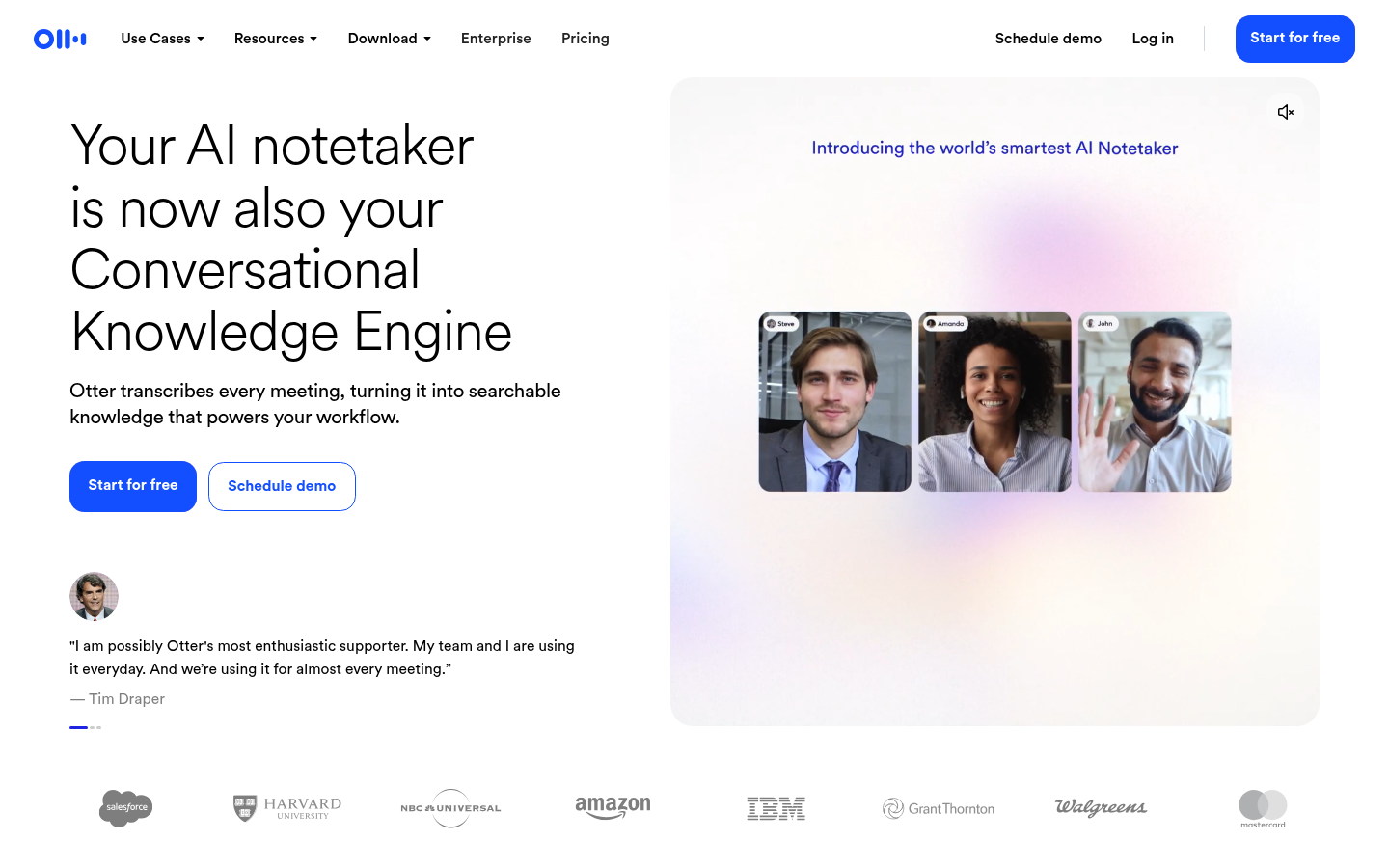
Otter.ai
- Pioneer of the category with the most mature real-time transcription engine
- Team members highlight, comment and react on transcripts as the meeting happens
- Salesforce and HubSpot sync ship on the Pro plan, not just Enterprise
- iOS, Android and desktop apps cover in-person meetings, not only video calls
- G2 reviewers report accuracy drops with crosstalk or heavy background noise
- CRM sync is capped by user count even on paid plans, unusual for the category
Reliable and familiar, but CRM depth trails Fathom and Fireflies for ops use.
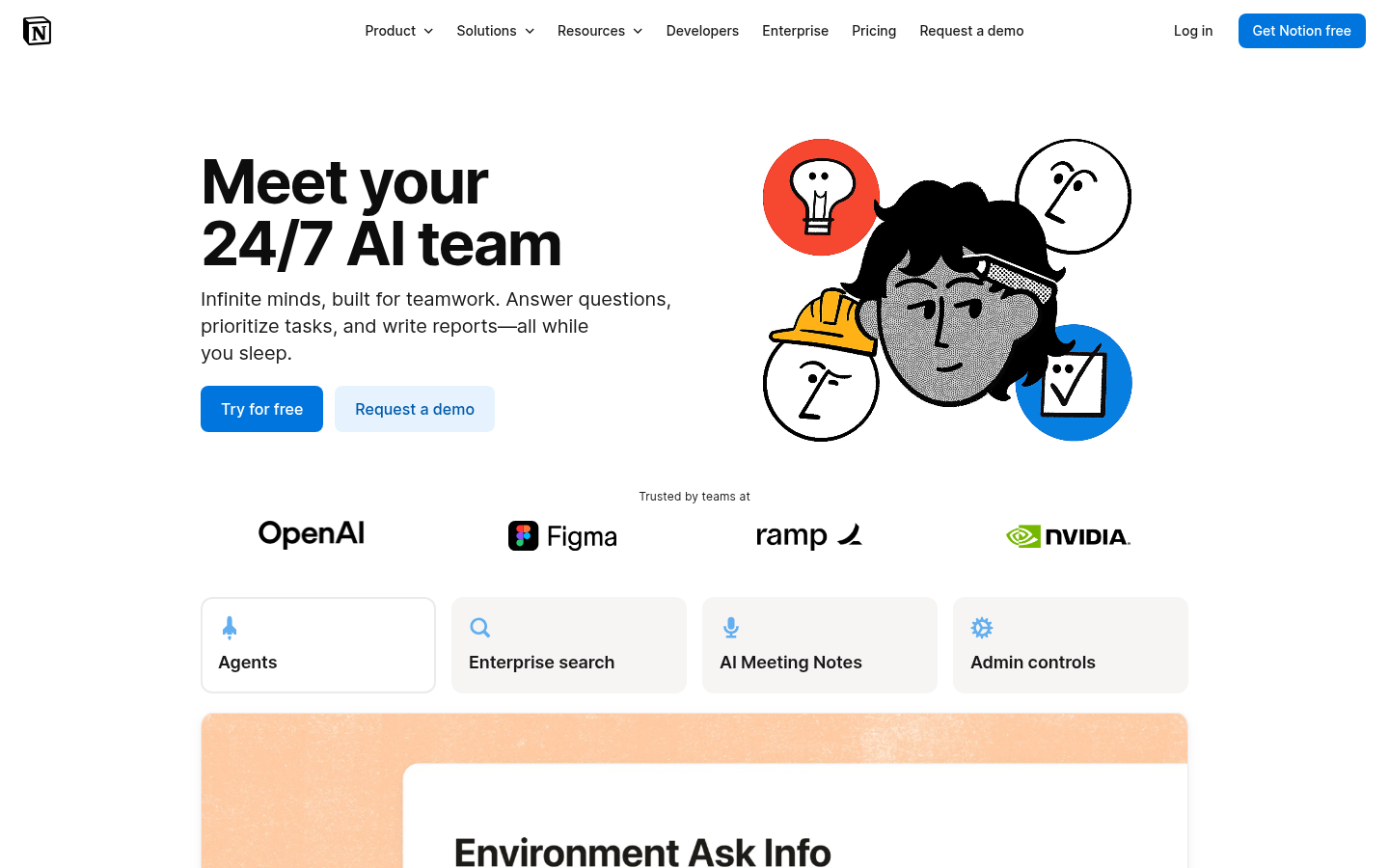
Notion AI
- Meeting notes land directly on the same Notion page as the rest of the project
- No separate bot or app, captures audio straight from Zoom or Google Meet
- Speaker identification added in the July 2026 release improves multi-person calls
- One Business subscription covers docs, wikis, projects and meeting notes together
- Meeting Notes requires the $20-per-seat Business plan, not available on cheaper tiers
- Audio-only capture, no video or screen recording like dedicated notetakers offer
Not a dedicated notetaker, but the natural choice when Notion is already home base.
Verdict
For most GTM, sales or CS ops teams, Fathom is the strongest starting point: the free tier alone covers what many competitors charge for, and the Business tier's CRM field sync closes the loop with Salesforce or HubSpot. Reach for Fireflies once your stack has more than three connected tools, and reach for TicNote when the deliverable is a report or deck rather than a CRM field.
How we tested
We compared six AI note-taking apps on pricing pulled directly from each vendor's live pricing page in August 2026 (Fathom, Fireflies, Otter, Granola and Notion checked at fathom.ai, fireflies.ai, otter.ai, granola.ai and notion.com respectively; TicNote at ticnote.com/en/membership), cross-referenced against G2 category ratings where a large enough review sample exists. We read the full plan-comparison tables rather than marketing headlines to confirm CRM sync depth, meeting-capture method (bot vs bot-free) and free-tier limits. TicNote is CommanderGPT's affiliate partner, disclosed here, and was scored against the same five criteria as the other tools rather than placed above tools that beat it on CRM integration depth.
The best AI note taking app in 2026 is Fathom for most teams: its free plan covers unlimited recording and transcription, and its Business tier adds CRM field sync and Deal View that most competitors charge more for. Fireflies wins when a stack has more than three connected tools to sync. TicNote is the pick when the meeting output needs to be a finished document, not a transcript.
What "best" means for a team that lives in back-to-back meetings
Every one of these six tools transcribes a call and writes a summary. That part is commoditized: 100+ languages, action items, searchable archives are table stakes now. What actually separates them for an ops lead is what happens on meeting number six of the day, when the notes need to update a CRM field, land in a deal review deck, or sit on the same Notion page as the rest of the project without a copy-paste step.
That is the lens for this ranking: price at the tier you would actually buy, how the tool captures the meeting (bot or no bot), whether it talks to a CRM natively or through Zapier, and the one thing each tool is legitimately better at than the other five.
How we tested these 6 tools
We pulled current pricing directly from each vendor's pricing page in August 2026, cross- checked G2 ratings where a large enough review sample exists, and read the plan-comparison tables line by line rather than the marketing copy above them. None of these six paid for placement in this list. TicNote is CommanderGPT's affiliate partner and is disclosed as such; it is ranked on the same criteria as the other five, not promoted above the tools that beat it on CRM depth.
Where CRM sync actually decides the winner
For a sales or CS ops lead, "AI note-taking app" usually means "the tool that updates Salesforce or HubSpot without someone doing it by hand at 6pm." That is where Fathom and Fireflies pull ahead of the pack: Fathom's Business tier writes meeting insights directly into CRM fields and builds a Deal View per opportunity, and Fireflies pushes structured data into 50+ connected tools out of the box. Otter syncs too, but caps the number of users who can use the CRM connection even on paid plans, which is an odd limitation for a $20-a- seat product built for teams.
Granola and TicNote take a different path. Neither has a native Salesforce connector. Granola routes through Zapier; TicNote exports a finished PDF, Word doc or MP3 that someone still has to attach to the deal record. That is a real gap if CRM automation is the whole point of buying a notetaker, and it is the honest reason TicNote sits at position three here rather than the top: its strength is generating the document, not updating the record.
The bot-free shift, and why it matters for internal meetings
Two years ago every AI notetaker joined your call as a visible participant named something like "Fathom Notetaker" or "Fred." That is changing. Granola and TicNote never put a bot in the room at all, TicNote via a Chrome extension that captures system audio directly, Granola by recording locally on the Mac and blending your own typed shorthand with the transcript. Fathom now offers a bot-free beta capture mode, and Notion AI Meeting Notes captures audio straight from Zoom or Google Meet with no separate app joining the call.
This matters more for internal meetings (design reviews, 1:1s, deal debriefs) than for external sales calls, where a visible notetaker is now normal and often expected. Otter and Fireflies still default to a bot joining the meeting, with a bot-free Chrome-extension option available but easy to miss in the settings.
Fathom, Fireflies or TicNote: picking by what happens after the call
If the meeting output needs to update a CRM record automatically, start with Fathom or Fireflies. Fathom's free plan is the more generous starting point (unlimited recordings and transcription with no time limit), and its Business tier adds coaching metrics on top of CRM sync. Fireflies pulls ahead once the stack has more than three connected tools: Salesforce, HubSpot, Slack and Asana all get native pushes, and conversation intelligence surfaces talk-time ratios a plain transcript will not show you.
If the meeting output needs to become something, a QBR deck, a competitive intelligence report, a set of interview notes turned into a written brief, TicNote's Shadow Agent is built for exactly that gap. It takes a project's worth of sources (meetings, PDFs, YouTube videos) and generates an actual exportable file: an HTML report, a slide deck, a dashboard. None of the other five tools in this list attempt that. The honest limits: there is no native CRM sync, and the output quality depends on prompting Shadow Agent well rather than a one-click default. Public review-aggregator data (G2, Capterra) is not yet available for TicNote at the time of writing, so weigh that alongside the vendor's own claims rather than in place of them.
Granola, Otter and Notion AI: the specialist picks
Granola is the product-team favorite for a reason: teams at Linear, PostHog and Intercom use it for the meetings that do not involve a prospect, where a visible bot would be awkward and the notes need to read like something a human wrote, not a transcript summary. It is Mac-first, and Windows/mobile support still trail the desktop app.
Otter remains the most mature real-time transcription engine in the category, and its standout feature (teammates highlighting and commenting on a transcript live, during the call) has no real equivalent among the other five. G2 reviewers consistently flag accuracy drops with crosstalk or heavy background noise, which matters if your meetings run through a conference-room speaker rather than headsets.
Notion AI Meeting Notes is not a dedicated notetaker and should not be evaluated as one. It is a feature bundled into Notion's $20-per-seat Business plan, and its entire case rests on one thing: notes land on the same page as the rest of the project, with zero copy-paste. If your team already runs its documentation and project tracking inside Notion, that alone can outweigh the feature gap against a purpose-built tool.
Your next command
Start with the free tier of whichever tool matches your CRM: Fathom or Fireflies if Salesforce or HubSpot sync is the point, Granola or TicNote if the meeting output needs to read like it was written by a person. Run it for two weeks of real meetings before touching a paid plan. The free tiers on all six are generous enough in 2026 that you should never pay for an AI note-taking app you have not actually used yet.