AI Agent vs Chatbot: The Ops-Stack Decision for GTM Teams
Summary
Chatbots react to a single prompt and stop. AI agents pursue multi-step goals, call tools, maintain state, and take follow-up actions. For GTM ops teams, the difference determines whether your AI answers a question or owns a workflow. Use chatbots for high-volume, single-step queries. Deploy agents when the task spans multiple tools, requires downstream action, or involves conditional routing.
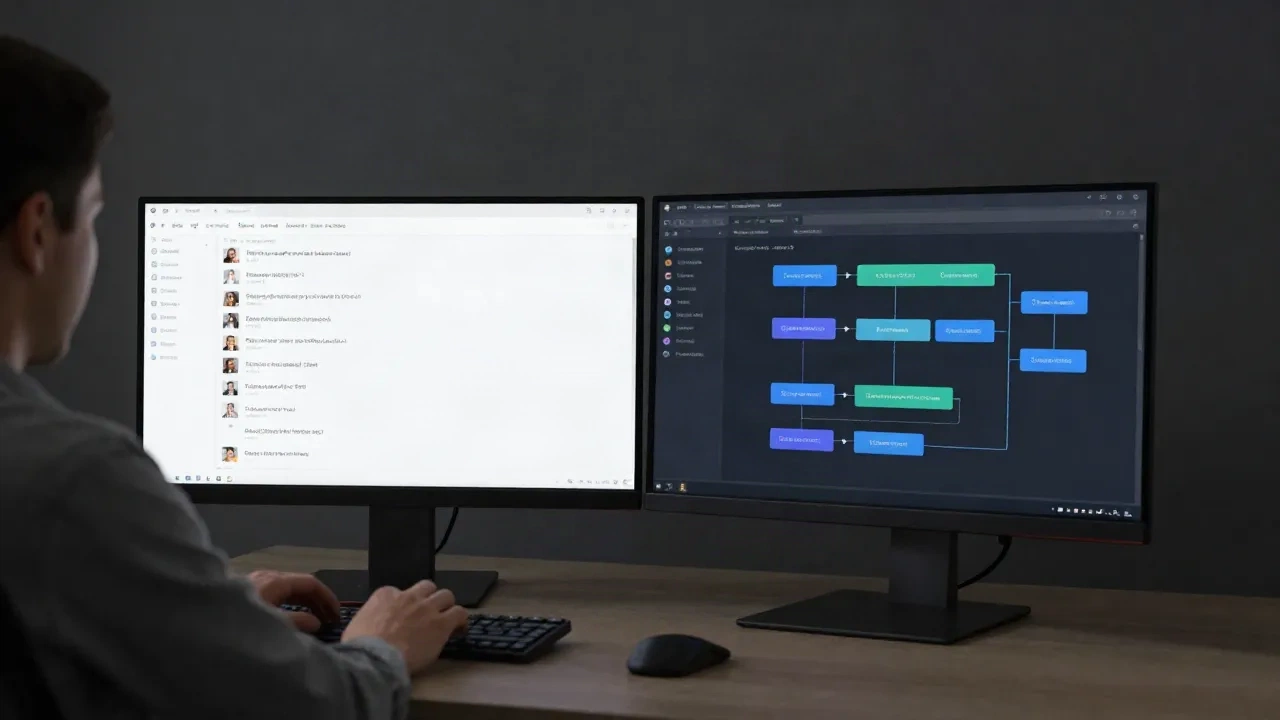
The ai agent vs chatbot distinction is the ops-stack call most teams get wrong. Chatbots react. Agents act. For GTM teams running on Linear, HubSpot, and Slack, that gap determines whether your AI handles one question per prompt or owns a full workflow from account research to CRM update. Both have a place in an ops stack. The question is which problem each solves, and how to know which one you need before you build anything.
What "chatbot vs agent" actually means in a workflow
Most definitions stay abstract. Here is the concrete version.
A chatbot is a reactive system. It waits for a prompt, produces a response, and stops. The interaction is linear: one input, one output, session over. Useful for answering a question about deal stage, pulling a standard definition, or running a templated FAQ. The value is speed and availability. The limit is everything else.
An AI agent is a goal-directed system. It receives an objective, breaks it into steps, calls tools, evaluates intermediate results, and takes follow-up actions until the objective is met. It does not wait for you to hand it each step manually.
The practical split: a chatbot tells you the deal stage. An agent checks the deal stage, pulls the prospect's LinkedIn activity from the past 90 days, cross-references with your ICP (ideal customer profile) criteria in HubSpot, drafts a personalized follow-up email, and logs the action to the CRM. You get one output at the end. You did not open three tabs.
That is not a spec difference. That is 35 minutes of manual work reduced to a single slash command.
The architectural difference matters too. Chatbots operate without memory across sessions and without access to external systems by default. Agents carry context, call APIs, use tools, and maintain state. When people say "agentic AI," they mean systems that can plan, act, observe results, and adjust. Chatbots do none of that by design.
Where chatbots still earn their place in 2026
The honest position: agents are not a universal upgrade. Chatbots still win in specific contexts, and deploying an agent where a chatbot fits well wastes budget and adds latency.
Chatbots are the right call when the query is simple and terminal. "What is our standard NDA turnaround time?" does not need a multi-step plan and tool access. A chatbot with the right knowledge base returns the answer in two seconds. Routing that through an agent adds overhead with no benefit.
High-volume, low-variance customer queries belong to chatbots. CS ops teams handling 200 or more tickets per day on predictable topics (billing questions, feature availability, account tier details) run cheaper and more reliably on a well-configured chatbot than on an agent stack. The chatbot is bounded by design, which is a feature in customer-facing contexts where unpredictability creates risk.
Chatbots also win on deployment speed. A chatbot connected to a knowledge base goes live in days. An agent stack with tool integrations, memory management, and error-handling logic takes weeks to tune in production. If you need something shipped this sprint and the workflow is simple, the chatbot is the right choice.
One pattern that works well: use a chatbot as the front door for customer-facing interactions, and route complex or multi-step tasks to an agent behind the scenes. The customer sees a consistent conversational interface. The agent does the heavy lifting on enrichment, routing, and follow-up without any latency visible to the customer.
Most teams over-engineer this. If the underlying workflow is a single-question lookup, build the chatbot, measure the drop in manual queries, then look at what is left. That residual is where the agent lives.
Four signals that tell you to deploy an agent
If any of these apply to a workflow on your list, a chatbot will create a bottleneck rather than a solution.
Signal 1: The workflow touches more than one tool. Research that requires pulling from LinkedIn, HubSpot, and Apollo simultaneously is not a chatbot task. Each tool call is a step, and steps require an orchestration layer that chatbots do not provide.
Signal 2: The output requires action, not just information. "Draft an email" is borderline. "Draft an email, add it to the Outreach sequence queue, and log the send date in HubSpot" is agent territory. If you would normally copy-paste the chatbot's output into three places, you need an agent.
Signal 3: State needs to persist across time. Agents maintain context across sessions. If a workflow depends on what happened last week (last email status, previous CRM activity, prior enrichment run), a stateless chatbot gives you nothing to work with. The agent carries the thread forward.
Signal 4: The workflow has conditional logic. If deal value exceeds $50K, route to enterprise process. If ICP score is below 60, deprioritize. If the last email was opened but not replied to within 72 hours, escalate. Conditional branching is built for agents. Chatbots do not branch; they respond.
Run your next manual workflow through these four checks. If it hits two or more, that is an agent workflow you are currently running by hand.
What AI agents look like in a real GTM ops stack
According to Gartner, 40% of enterprise applications will include task-specific AI agents by 2026, up from less than 5% in 2025. The adoption is moving fast. Here is what it looks like in practice for a GTM ops team.
Deal research pipeline. The workflow starts with a company name. The agent pulls the prospect's funding history, headcount changes over 12 months, recent press mentions, and LinkedIn job postings. It cross-references against your ICP criteria. It returns a structured summary with a relevance score and a draft first-touch email tailored to the hiring signal. In CommanderGPT, this chain runs as /research followed by /score-icp followed by /draft-email, wired together in the Workflow Builder. The full chain returns output in under 90 seconds. A well-configured version of this workflow saves an SDR approximately 40 minutes per account.
Meeting prep. An AE is on a call in 20 minutes. The agent pulls the last three touches from Outreach, the current deal stage from HubSpot, the prospect's most recent LinkedIn post, and the last call summary from Gong. It drops a structured briefing into Slack 15 minutes before any meeting flagged as "prospecting" in the AE's calendar. No manual prep. No tab switching. The trigger is the calendar event; the output is the briefing. Three commands in the Workflow Builder.
Prospect qualification at scale. Your SDR team receives 150 inbound leads from a webinar. Chatbot approach: each SDR manually enriches 30 leads in Apollo, scores by gut, routes to HubSpot. That takes most of a morning. Agent approach: the lead queue triggers the agent, which enriches all 150 against Apollo and Clearbit, scores against your ICP model, routes above-threshold leads to HubSpot as Qualified, flags edge cases for human review, and sends a Slack summary with a breakdown by score tier. Time difference: roughly 3 hours versus 12 minutes, depending on the API response times on that day.
These are not demo scenarios. They are workflows that run in production for ops teams that have committed to the agent layer.
The practical test: chatbot or agent for your next workflow?
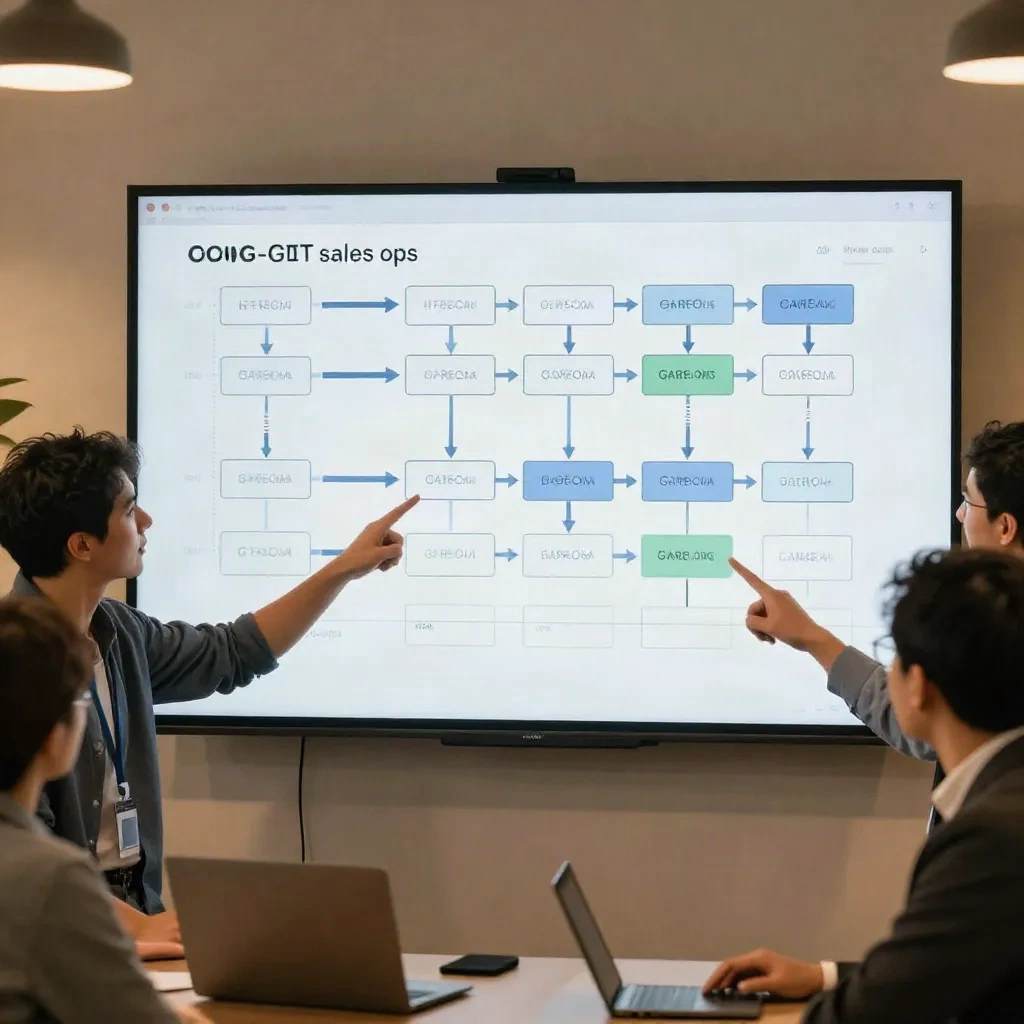
Before you build anything, run this test on the workflow you are evaluating.
Deploy a chatbot when: the task produces a single output in one step; the interaction is customer-facing and predictability matters more than initiative; volume is high and variance is low (FAQ deflection, ticket triage); or latency is the primary constraint and you need sub-second responses.
Deploy an agent when: the task requires multiple tool calls; the output triggers a downstream action (send, update, route, create); state needs to carry across sessions or days; or the workflow has conditional branching (if deal value over $50K, route to enterprise; if ICP score below 60, deprioritize).
Shortcut rule: if you can resolve the request in one sentence without opening a tab, it is a chatbot query. If resolving it means pulling from three data sources and triggering a downstream step, it is an agent task.
One thing to build before you go to production with an agent: explicit error handling. When a tool call returns empty, an agent without error logic silently drops the step and returns partial output. You often will not notice until a deal slips through. Build the fallback into the prompt ("if the Apollo enrichment returns no result, flag the account for manual review and continue") and test it deliberately before rollout.
For ops teams running meeting-heavy workflows, AI tools that operate during calls and automatically generate action items, summaries, and follow-up tasks are already working as lightweight agents in your stack:
For teams running high-call-volume workflows where audio quality affects the reliability of AI transcription and note capture:
For GTM ops teams that manage both direct sales pipeline and partner-sourced revenue: the same agent-vs-chatbot logic applies to your partner ops layer. Tracking partner-attributed deals, managing payouts, and catching attribution drift across a growing partner network is exactly the kind of multi-step, stateful workflow where an agent adds value over a simple chatbot interface. A purpose-built affiliate platform handles the infrastructure so the agent has clean data to act on:
Your next command to set up
Do not attempt to migrate your entire chatbot stack to agents next quarter. That is a multi-month project, and the ROI is front-loaded in a small number of workflows. Identify the top two or three that currently leave your team with the most manual follow-up after the AI step completes. That gap is where the agent earns its infrastructure cost.
Here is the starting point in CommanderGPT. Open the Workflow Builder. Add /research as step one with your ICP targeting criteria in the system prompt. Add /score-icp as step two, defining your threshold criteria as parameters. Add /draft-email as step three with your persona template and tone instructions. Run the chain on five real prospects from your current pipeline.
Measure two things: output quality (how often you use the draft without major edits) and time delta (manual process time versus chain execution time). If output quality is above 75% usable on the first run, which is typical for a well-configured chain, roll it to the team. If not, tune the prompt in step two. Most teams reach production-quality output in three to five iteration cycles.
The chatbot versus agent decision stops being a framework question once you have a specific workflow in front of you. Run the test, pick the tool that closes the gap, build the command, and ship it.