How to Read Faster at Work Without Losing the Details
Summary
To read faster, stop chasing words per minute and decide what deserves a full read. Adults average about 238 words per minute, and research shows speed reading trades away comprehension. The reliable gains come from a 60-second preview, a reusable AI brief that tells you whether to read the source, and audio for low-stakes text. This guide gives you the exact prompt, a weekly schedule and the tools worth setting up.
To learn how to read faster, stop trying to move your eyes quicker and start deciding what deserves a full read. Adult silent reading sits around 238 words per minute, and the research says there is no free lunch above that. Gains come from previewing, triage, fewer re-reads and offloading low-value text to a summary or an audio pass. Here is the system, with the exact commands.
Briefing 30 secondes. Three layers: triage in 60 seconds, read the 20% that matters at your natural speed, and push everything else through a summary or audio. Total setup time: about 30 minutes.
What does "reading faster" actually mean for an ops lead?
Start with the baseline. A meta-analysis of reading rate across 190 studies puts the average adult at roughly 238 words per minute for non-fiction and 260 for fiction. That is your reference point, not a failure.
Now the uncomfortable part. A well-known review of the speed reading evidence concluded that readers who spend less time on a text tend to understand it less well. The 1,000+ words-per-minute courses mostly teach skimming and call it reading.
So the honest goal is not "double my wpm" (words per minute). The goal is to cut the time you spend per decision. You read to answer a question: should we pursue this account, does this contract clause matter, is this vendor doc worth a pilot? Most of that answer lives in a small part of the text.
Do the math on your own week. If you read 90 minutes a day and triage correctly, skipping or summarizing half of it gives you 45 minutes back. Moving from 250 to 300 wpm on the half you still read gives you about 7 more. Triage beats raw speed by a wide margin.
Why does your eye speed barely matter?
Because the eyes are not the bottleneck. Eye movements take a small share of total reading time. Most of the time goes to understanding: parsing the sentence, linking it to what you know, deciding what to keep.
That explains two things you have probably noticed. First, you read familiar material far faster than unfamiliar material, with no technique change. Second, forcing yourself to move faster on dense text just means you re-read it later.
Skip the finger-pointer drills and the flashing-word apps. Spend that effort on three levers you can control: what you read, in what order, and with which tool doing the heavy lifting.
Step 1: Triage in 60 seconds before you read anything
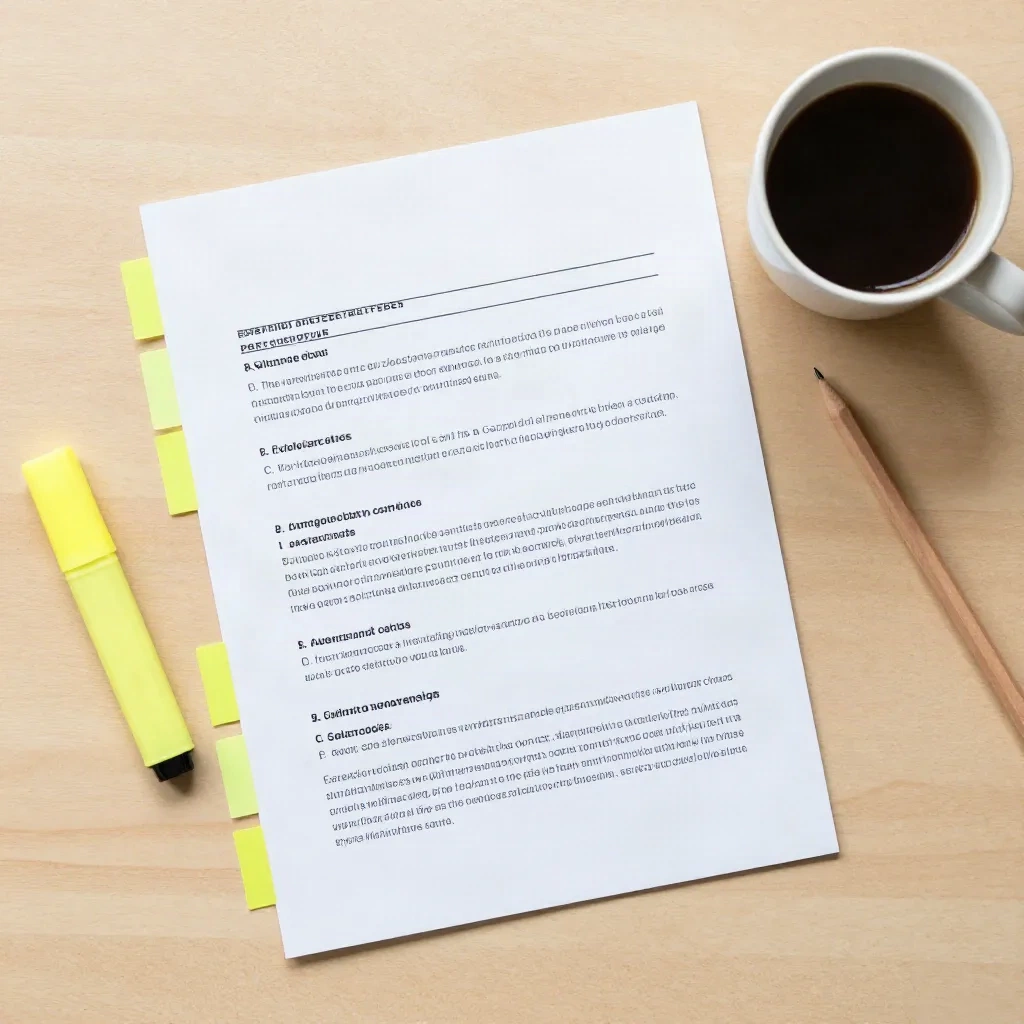
Every document gets a one-minute preview, no exceptions. The preview answers one question: what do I need from this?
Run this sequence on any report, thread or doc:
Read the title, the first paragraph and the last paragraph.
Scan every heading and every bolded phrase.
Look at the tables and charts, and read their captions.
Write one sentence: "I need to find out X."
That sentence is your filter. Now you read with a target, and your eyes slow down only when the text touches X. This is the single habit that changes your throughput the most, and it costs nothing.
Skip this step if the text is short and you must act on every line, such as a contract redline or an incident report. Read those linearly, at full attention. Speed is the wrong goal there.
Step 2: Let a slash command do the first pass
A 60-second triage works on a 10-page doc. It does not work on 40 unread tabs and a 90-message thread. That is where a command beats willpower.
Build a single command that returns a standard brief for any pasted text. In CommanderGPT, that is a custom slash command you define once and call from any chat. Here is a prompt body you can paste into a /skim-brief command:
Return a brief on the text below, in this order:
1. One sentence: what is this and who is it for.
2. The 5 claims that carry the argument, as bullets.
3. Numbers and dates only, as a list.
4. What the author leaves out or assumes.
5. Verdict: read in full, read sections [list], or skip.
Text:
Notice item 5. The command does not just shrink the text, it tells you whether to read the original. That verdict is what saves the time. A summary you then read, plus the original, costs more than the original alone.
Then chain it. A Workflow Builder chain like /skim-brief → /extract-actions → /draft-reply handles the classic case: a long customer thread lands, you get the brief, the action list and a draft response in one pass. Three commands, one workflow. Measure the before and after in your own context, since thread length varies too much for a universal number.
Two limits worth stating. A summary can drop the one caveat that mattered, so for anything with legal, financial or security weight, read the source. And a model can state a wrong claim with confidence, so spot-check any number you plan to quote.
Step 3: Read the 20% at your natural speed
After triage and the first-pass brief, you know which sections matter. Read those slowly and fully. This sounds backwards, but it is the point. You are buying back time on everything else so you can afford full attention here.
A few techniques that survive contact with the evidence:
Preview, then read. Knowing the structure before you start lowers the cost of each paragraph.
Stop re-reading by default. Regressions (jumping back to re-read) are sometimes needed, but a lot are a reflex. Mark the line, keep going, and come back only if the answer is still missing.
Use a pointer for focus, not speed. A pen or cursor under the line helps some people stay on track. Treat it as an attention aid.
Build vocabulary in your own field. The fastest readers in your domain are the ones who already know the terms. Keep a short glossary for your stack, and fix it when you find a gap.
Highlight sparingly. If you mark more than a tenth of a page, you are decorating, not selecting. One highlight should answer your "I need to find out X" sentence.
Where does audio fit?
Audio is the most underrated layer, because it moves reading into time you already spend doing something else: the commute, the gym, the school run.
Text-to-speech (TTS) tools let you speed up the voice. Most people follow comfortably at somewhat above natural speech, and that adds up. Speechify's paid tier goes as high as 4.5x, though most people will not want to listen at that speed for anything technical. Start at 1.25x, move up by small steps, and stop when you catch yourself rewinding.

Audio works best for narrative or explanatory text: newsletters, long-form posts, research summaries. It works badly for tables, code and anything where you need to see structure. Route accordingly.
Which read-later and research tools are worth setting up?
You need a place where triage can happen at your pace. A read-later app gives you one inbox for everything you saved, so the "40 open tabs" problem becomes a queue with a count.
Readwise Reader is built for close reading and highlighting, with a text-to-speech layer on top for mobile listening. It suits people who highlight and want those highlights to go somewhere useful.
Instapaper is the older, simpler option. Saving is free, and the paid tier adds full-text search, notes and text-to-speech playlists on mobile. Pick it if you want a plain queue and not much else.
For a stack of PDFs, specs or call transcripts, a source-grounded research assistant is a better fit than a read-later app. NotebookLM lets you upload your sources and ask questions with answers tied back to those sources, which makes the "where did it say that" check quick.
Skip any tool that promises to "train" your eyes. Pick one read-later app and one research assistant. Running five apps recreates the problem you came to solve.
What does a reading week look like with this stack?
Here is a concrete schedule you can copy. Adjust the times, keep the order.
Monday to Friday, 20 minutes at the start of the day. Open the queue. Run the 60-second triage on each item. For anything over four pages, run /skim-brief and follow the verdict. Delete or archive aggressively.
Midday, one 25-minute block. Read in full the two or three items that earned it. No tabs, notifications off. This is where you use your natural speed, on purpose.
Commute or walk. Audio for the newsletters and long posts that passed triage but do not need a screen.
Friday, 15 minutes. Review what you saved but never opened. If it sat for two weeks, it was never urgent. Clear the queue, and keep the count visible so it does not creep back.
If your team shares reading (competitor updates, product changelogs, customer calls), put the brief command in a shared Team Playbook so everyone gets the same format. A common structure makes briefs skimmable and comparable, and nobody has to rewrite the prompt.
Common mistakes that keep you slow
Reading in order. Documents are not novels. Jump to the section that answers your question.
Summarizing everything. If you summarize a three-paragraph email, you spent more time on the summary than the email.
Trusting the brief blindly. Use it to decide, then verify the parts you will act on.
Chasing a wpm number. Your throughput per decision is the metric. Words per minute is a vanity stat.
Saving without reading. A queue you never open is a guilt list, not a system.
Your next command
Set up one thing today: paste the /skim-brief prompt above into a custom slash command and run it on the longest unread doc in your inbox. Time yourself against how long you would have spent reading it cold.
Then fork it. Add a field for your own filter, such as "flag anything about pricing" or "list every deadline." One command, tuned to your work, will do more for your reading speed than any drill.