Meeting Notes Examples: 5 Formats Built for Ops Teams
Summary
Meeting notes that work follow one of five formats: action-oriented, decision-log, verbatim for compliance, async-first for remote teams, or lightweight agile. Each format has a specific use case. AI slash commands cut the manual capture and distribution time from 20 minutes to under 5 minutes per meeting. The key field is always the same: owner, task, and due date on every action item. Structure your notes this way and your downstream tools can actually use them.
Meeting notes with no clear owner on every action item are just a meeting transcript. Five formats below. Pick the one that fits your meeting type, then automate the capture.
What Good Meeting Notes Look Like in Practice
Three meeting notes examples you can copy today:
Example 1: Action-oriented sprint review:
Meeting: Q3 Product Sprint Review | 2026-08-11 | 45 min
Attendees: Maya (PM), Carlos (Eng Lead), Priya (CS Ops)
Decision: Launch feature flag for beta cohort, target 500 users
Action items:
  Carlos  Enable flag in staging environment  Aug 13
  Maya  Draft beta communication email  Aug 14
  Priya  Set up feedback tracking sheet  Aug 14
Next meeting: Aug 18, same attendees
Example 2: Decision-log row:
Decision log row:
[2026-08-11] Delay Q3 pricing update
  Owner: Derek | Rationale: Conflicting signals from interviews | Review: 2026-09-01
Example 3: Async-first summary block:
[SUMMARY, 90 words max]
Team aligned on pushing the pricing update to Q4. Three customer
interviews flagged friction with the current tier structure. Derek
owns a revised proposal by Sep 1. Carlos implements a temporary
promotional code flow by Aug 20. Next review: Sep 1.

[DETAILED NOTES, scroll for full context]
Format 1 works for sprint reviews and team standups. Format 2 works for any meeting where decisions need an audit trail: quarterly business reviews, board updates, budget calls. Format 3 cuts async catch-up time by removing the "can you recap what happened?" DMs. All three take under 10 minutes to produce. None of them require a dedicated note-taker if the format is in a Team Playbook everyone shares.
The common failure mode across all three: action items written as noun phrases instead of sentences. "Pricing update" is not an action item. "Derek sends revised pricing draft to stakeholders by Aug 20" is. The distinction sounds minor until you are the one chasing an ambiguous task two weeks later.
The Action-Oriented Format: The Default for Ops Teams
Most ops teams default to the action-oriented format after trying everything else. It works because it answers three questions without requiring anyone to parse paragraphs:
Who is responsible?
What exactly do they need to do?
When is it due?
The template structure is tight: meeting metadata at the top (date, attendees, duration), a single-sentence decision block, then the action items list. No discussion recap unless a stakeholder explicitly asks for one. The assumption is that attendees were in the room. Notes exist for accountability, not replay.
A clean action items block:
ACTION ITEMS
[Carlos] Enable flag in staging environment by 2026-08-13
[Maya] Draft beta communication email by 2026-08-14
[Priya] Set up feedback tracking sheet in Notion by 2026-08-14
Owner in brackets, task as a verb phrase, due date in ISO format. Parseable by a human in 5 seconds. Parseable by a slash command in under 1 second. The ops teams that skip the ISO date format spend an extra 3 minutes per week clarifying "next Thursday" when it appears in notes three days late.
The Decision-Log Format: When You Need an Audit Trail
Not every meeting generates tasks. Quarterly business reviews, cross-functional alignment calls, and budget approvals produce decisions more than action items. The decision-log format captures exactly that.
Structured as a running table, one row per decision per meeting:
Decision log entries:

[2026-08-11] Freeze new feature requests until Q4
  Owner: Maya | Rationale: Eng capacity at 90% through Q3 | Review: 2026-10-01

[2026-08-11] Expand CS headcount by 2 FTE
  Owner: Derek | Rationale: CSAT trending 8% below target | Review: 2026-09-15
The review date column is non-optional. Without it, decisions sit in a Notion doc unreviewed until someone rediscovers them three months later and cannot remember whether they were still live. Set the review date in the meeting, assign the owner before the call ends, move on.
This format pairs naturally with a Notion database or Confluence table. Both support filtering by owner, by open vs. reviewed status, and by date. A weekly /review-decisions slash command can pull every row with a past-due review date and post them to a Slack channel, closing the loop without a calendar reminder.
The decision-log is also the format most likely to surface in onboarding. New team members who inherit a running decision log have institutional context that would otherwise require weeks of 1:1 catch-up. That context transfer saves roughly 2 hours per new hire per week for the first month.
The Async-First Format for Remote and Hybrid Teams
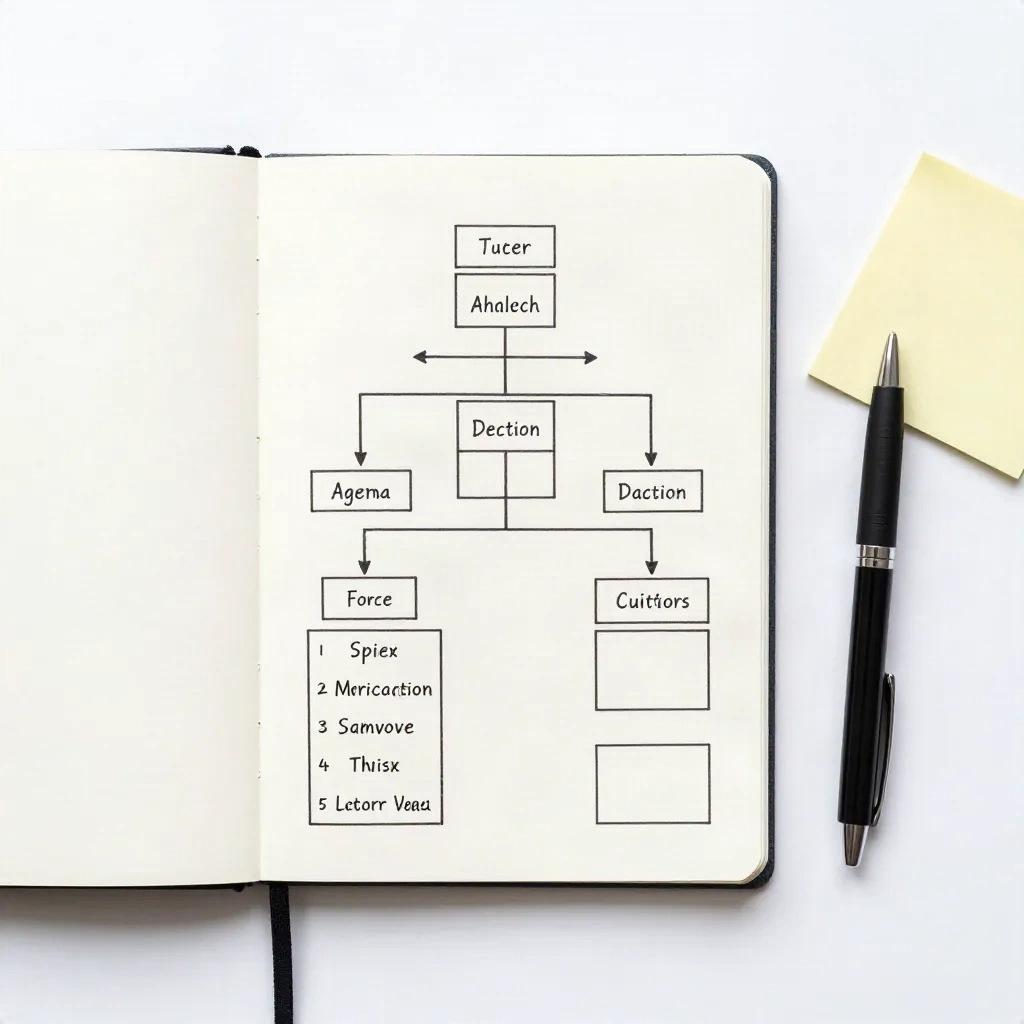
Remote teams have a structural problem: not everyone is on the call, and attendees often multi-task. Async-first meeting notes solve this by front-loading the signal.
Structure:
[SUMMARY, 100 words max]
What was decided plus who owns what plus when it is due.
No context, no discussion replay. Just outcomes.

[FULL NOTES, for those who need the thread]
Agenda items, key discussion points, open questions.
The 100-word summary goes into the team Slack channel immediately after the meeting ends. The full notes link is in the same message. Anyone who needs the context has it. Anyone who just needs the outcome reads the summary in 30 seconds and is done.
Teams that adopt this format consistently report fewer "can you recap the meeting?" DMs. The tradeoff is upfront discipline: the summary must be accurate. Softening a difficult decision in 100 words creates downstream confusion when the full notes tell a more complicated story. Write what was actually decided, even when that decision was uncomfortable.
The async-first format also pairs well with AI recorders that auto-generate summaries. You review the AI output, edit the framing, and post it. Total time: under 3 minutes.
Making Your Notes AI-Ready: Structure That Feeds Your Workflow
Meeting notes that go into downstream workflows need to be machine-readable from the start. That means consistent section headers, consistent owner naming (use the same identifier every time. "Carlos" and "Carlos R." and "@carlos" are three different strings to a parser), and explicit date formats (ISO 8601: 2026-08-20, not "next Thursday").
An AI-ready action item block:
DECISION: Launch beta feature flag for 500 users
OWNER: Carlos
DUE: 2026-08-13
CONTEXT: Staging environment only; production flag pending QA sign-off
Each block takes 15 seconds to write. It takes zero seconds to parse when a slash command processes it later.
The /summarize-meeting command in CommanderGPT ingests a block structured this way and outputs a formatted Slack post, a Linear ticket draft, or a CRM note, whichever the ops lead sets as the output target, in under 15 seconds. The prerequisite is that the raw notes are structured. Notes written in prose paragraphs require the model to infer structure, which introduces errors and takes longer.
This is also the format that holds up in multi-model contexts. If the same notes need to feed a Claude model for a narrative summary and a GPT-4o model for CRM field extraction, a structured block is valid input for both. A prose transcript is not.
Automating Meeting Notes with Slash Commands
Manual meeting notes have a fixed cost: someone is either capturing in real time, not fully present in the meeting. Or catching up from memory afterward and losing detail. Both options are lossy.
The command chain that works for most ops workflows:
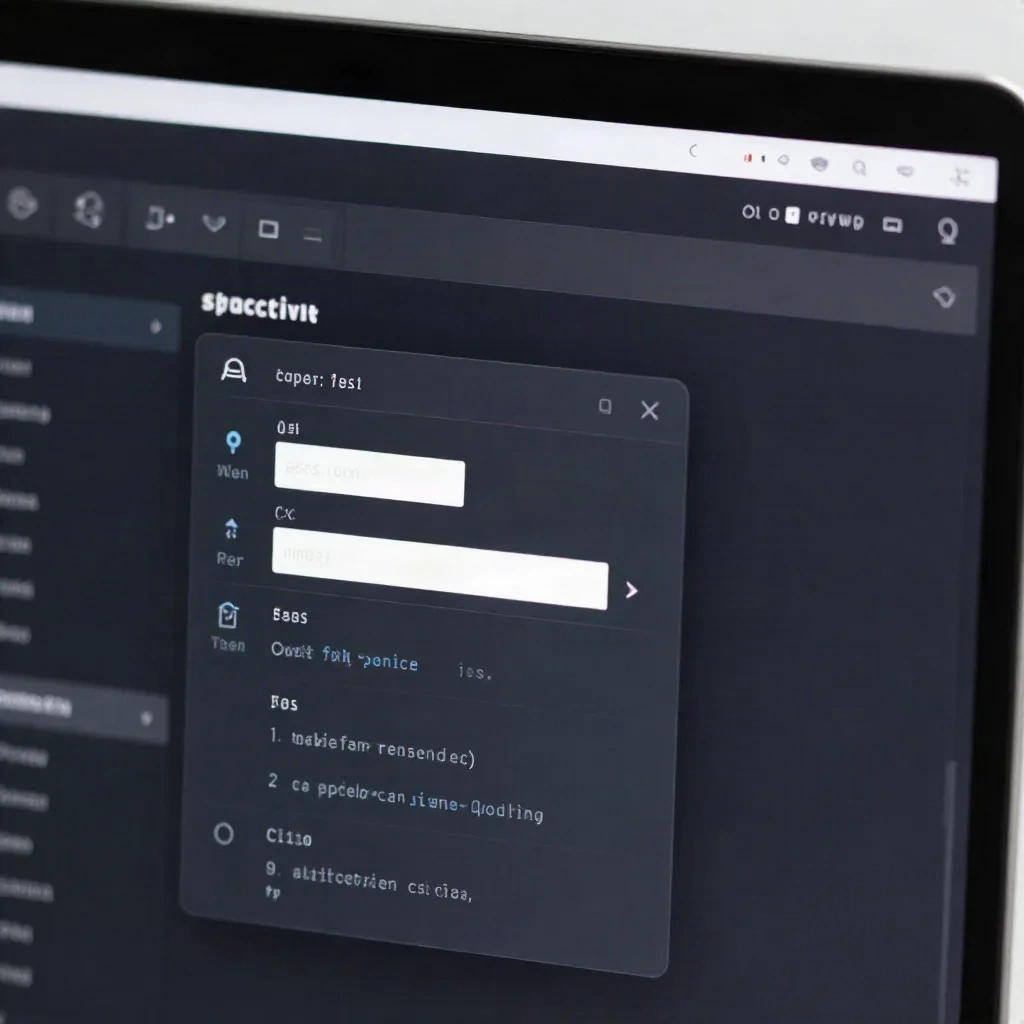
/meeting-capture: Opens a structured template pre-filled with meeting metadata from your calendar. Attendees, date, agenda items pulled automatically from the calendar event./summarize-meeting: Takes the raw capture and outputs the async-first summary block, formatted for Slack and ready to post./action-items: Extracts every action item from the notes, formats them as[Owner] [Task] [Due date], and optionally pushes to Linear or Asana.
The full chain takes under 3 minutes of human input per meeting. Most ops leads who track the time report spending 20-25 minutes on manual note cleanup and distribution before switching to a command chain. The delta is 17-22 minutes per meeting, across however many meetings happen per week.
The trigger for each command is a / keystroke. No menu to navigate, no template to locate. The command list filters live as you type. If you set up a Team Playbook with your standard formats (sprint review, decision log, async summary), every team member has access to the same templates without individual setup.
Three Meeting Note Formats Worth Running by Tool
Not all tools cover all layers. Match the tool to the layer:
Capture layer: AI meeting recorders (Ticnote, for example) join the call and generate structured notes automatically. Decisions, action items, and summaries are extracted without anyone typing. The output quality tracks audio quality. If the room is noisy or the call has background interference, the transcript degrades. A noise cancellation layer handles this.
Storage layer: Notion and Confluence are optimized for retrieval, not for capture speed. Meeting notes in a Notion database are findable six months later by owner, by date, or by keyword. Meeting notes in a shared Google Doc folder are not. If institutional memory matters to your team, the storage layer is not optional.
Processing layer: Slash command platforms take raw notes and turn them into structured outputs for other tools. This is where CommanderGPT fits. The recorder captures. The workspace stores. The slash command processes and distributes.
The three layers run in sequence. Set up the capture tool first. Add storage once the format is stable. Add slash command processing once the team is consistent about using a structured format. Trying to automate an inconsistent process just produces inconsistent output faster.
Your Next Meeting Notes Setup
Start with one format. The action-oriented template works for 80% of recurring ops meetings. Write it as a Team Playbook entry, share it with your team via a single /share command, and run it for two consecutive weeks.
At the end of week two, pull up the action items from week one. If every item has an owner, a task, and a due date. If the due dates were actually tracked, the format is working. If half the items are noun phrases without owners, the format needs reinforcement before you layer in automation.
The other formats (decision-log, async-first, agile lightweight, verbatim for compliance) are variations on the same principle: capture the information that matters for the people who need it, in the format that lets them act fastest.
Pick the format. Run the playbook. Check the action items at the end of week two.